Support Center
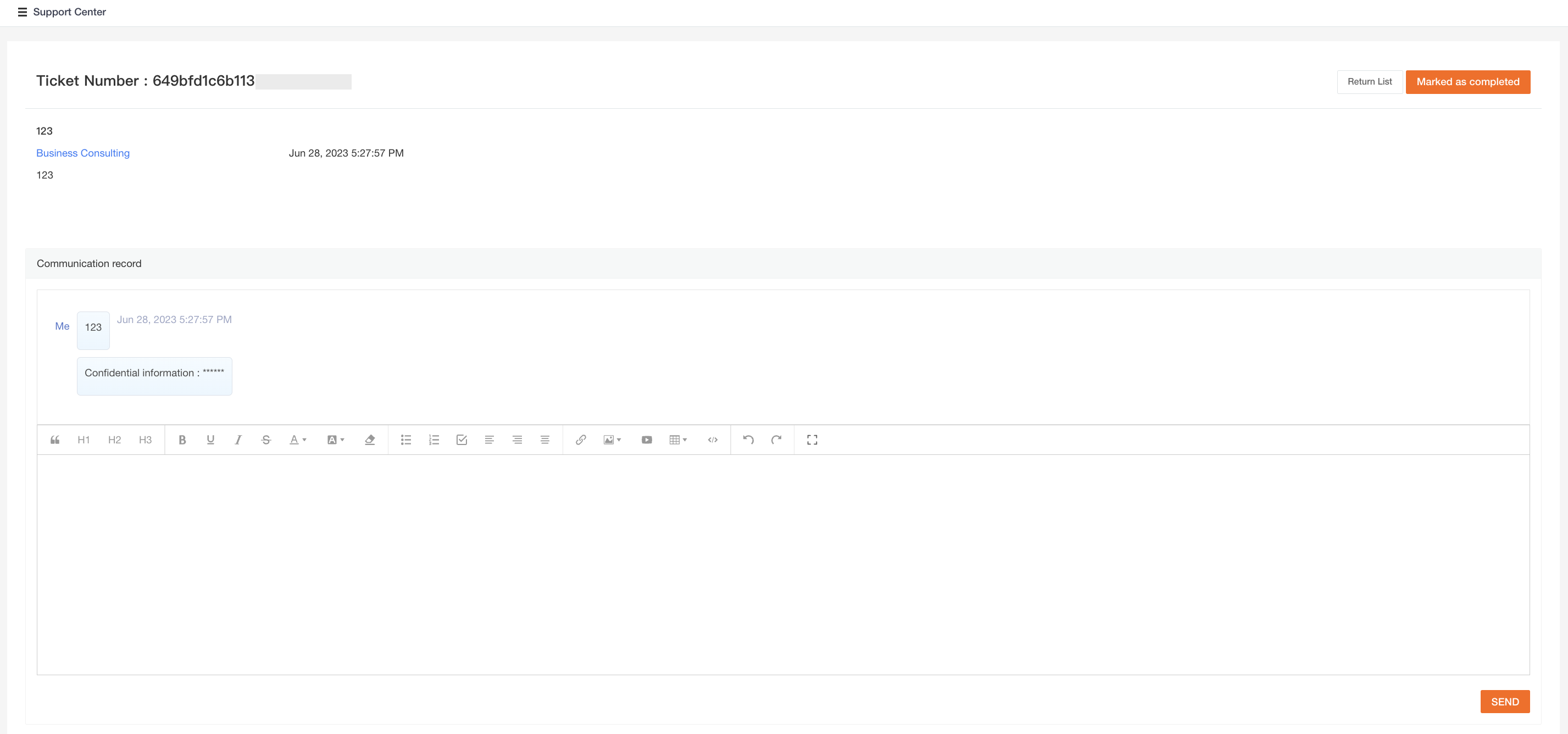
Users can submit and manage support tickets in the Support Center. Once a ticket is received, the Guance technical expert team will contact the user promptly to resolve the issue.
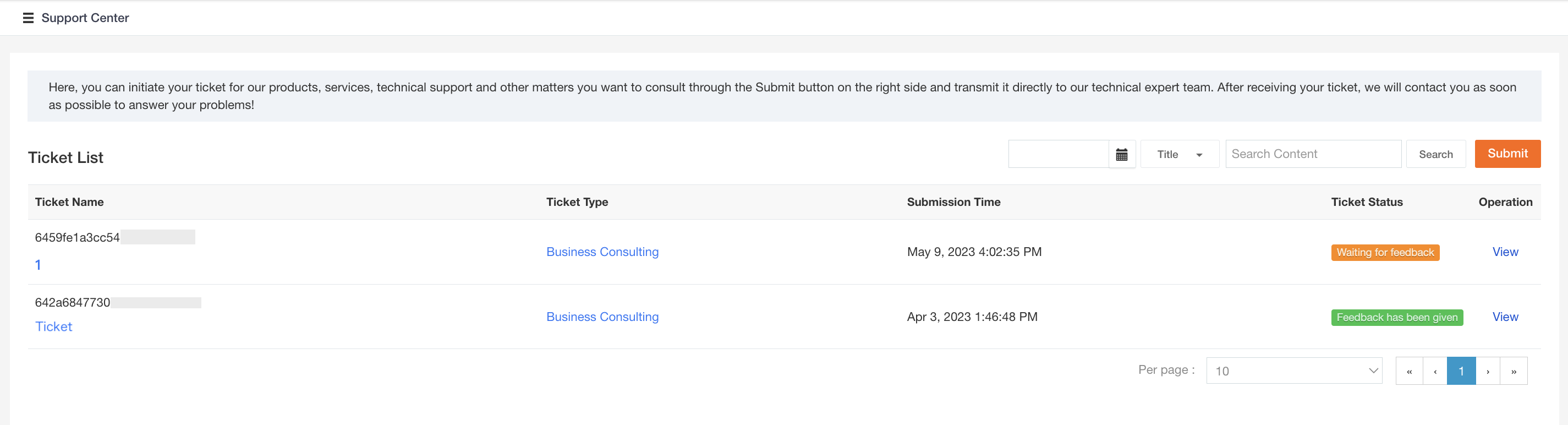
Ticket List
In the Ticket List of the Support Center, you can view all submitted tickets, including their status, type, and time. You can filter tickets by selecting a date range or entering keywords in the title.
Submitting a Ticket
- In the Support Center of the Guance Billing Center, click Create Ticket.

- On the ticket submission page, select the ticket type and enter the following information.
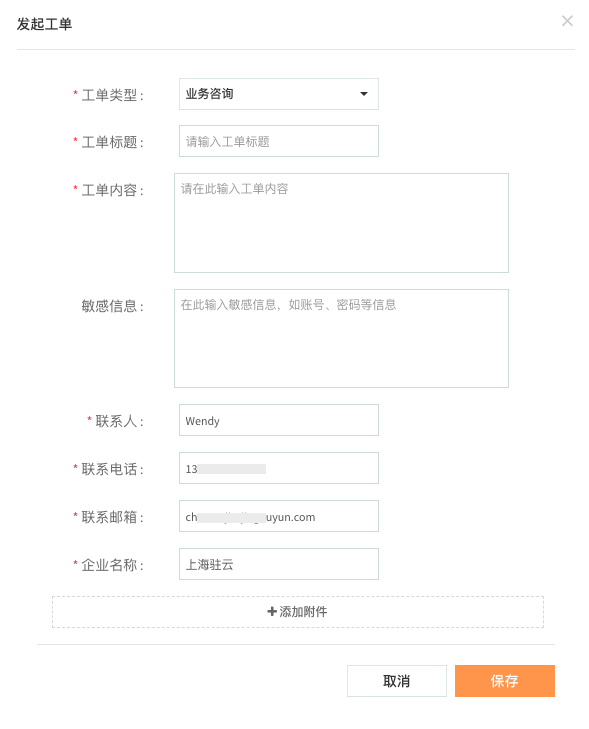
- After submitting the ticket, you can view all submitted tickets in the Ticket List.
- Click View on the right side of the ticket to see the replies from the technical support expert.