Replica Sets
Replica Sets are Kubernetes controllers that ensure a specified number of identical Pod replicas are running continuously. They monitor Pods using label selectors and automatically scale to match the desired replica count. They are typically invoked by Deployments to manage stateless applications.
For more information, see Replica Sets.
List
Go to Infrastructure > Containers, then click Kubernetes > Replica Sets in the upper-left corner of the page to view all Replica Sets retained in the workspace, including name, number of ready pods, uptime, and more.
Details
Click a row in the list to open its details pane.
Note
If a Replica Set has the associated field namespace, you can view the metric view corresponding to that field on the Services details page.
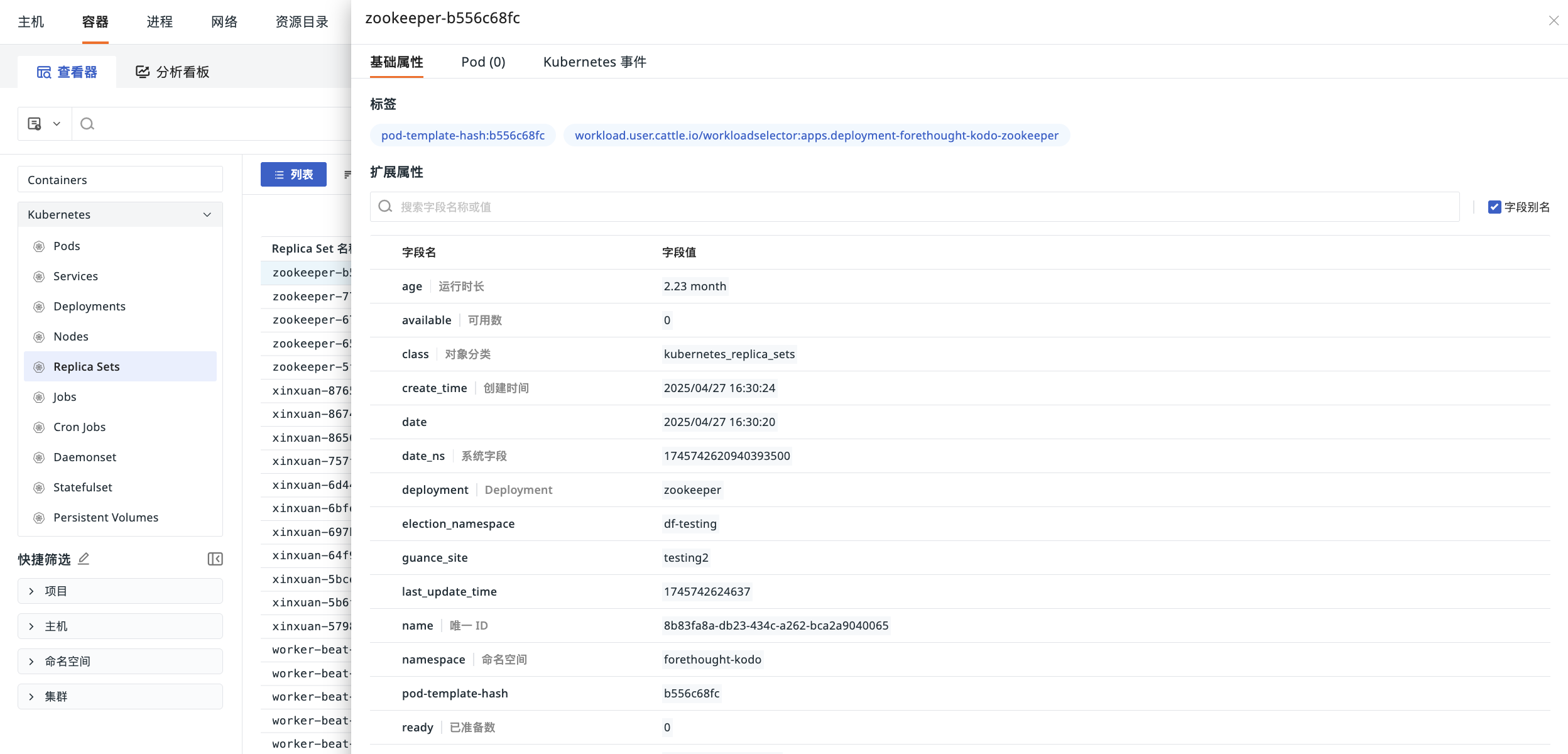
Basic Attributes
View the labels and extended attributes of this Replica Set.
- Labels
Automatically uploaded by default with the Replica Set information. Existing labels can be used for quick filtering in the Replica Set object list to display data with the same label.
Pod
On the Pod tab, the actual working units (Pods) created and managed by the Replica Set are displayed directly. The health status of a ReplicaSet is determined by the status of its managed Pods, such as whether replicas are ready or if there are crashes. The embedded Pod list helps you quickly diagnose issues such as Pod startup failures or insufficient resources.
Kubernetes Events
View the corresponding event data associated with namespace, source, kind, and name.
For more details, see Explorer Configuration.