Monitor Overview
The chart automatically queries monitor events from the last 2 days and displays the status of the most recently triggered event for each monitor.
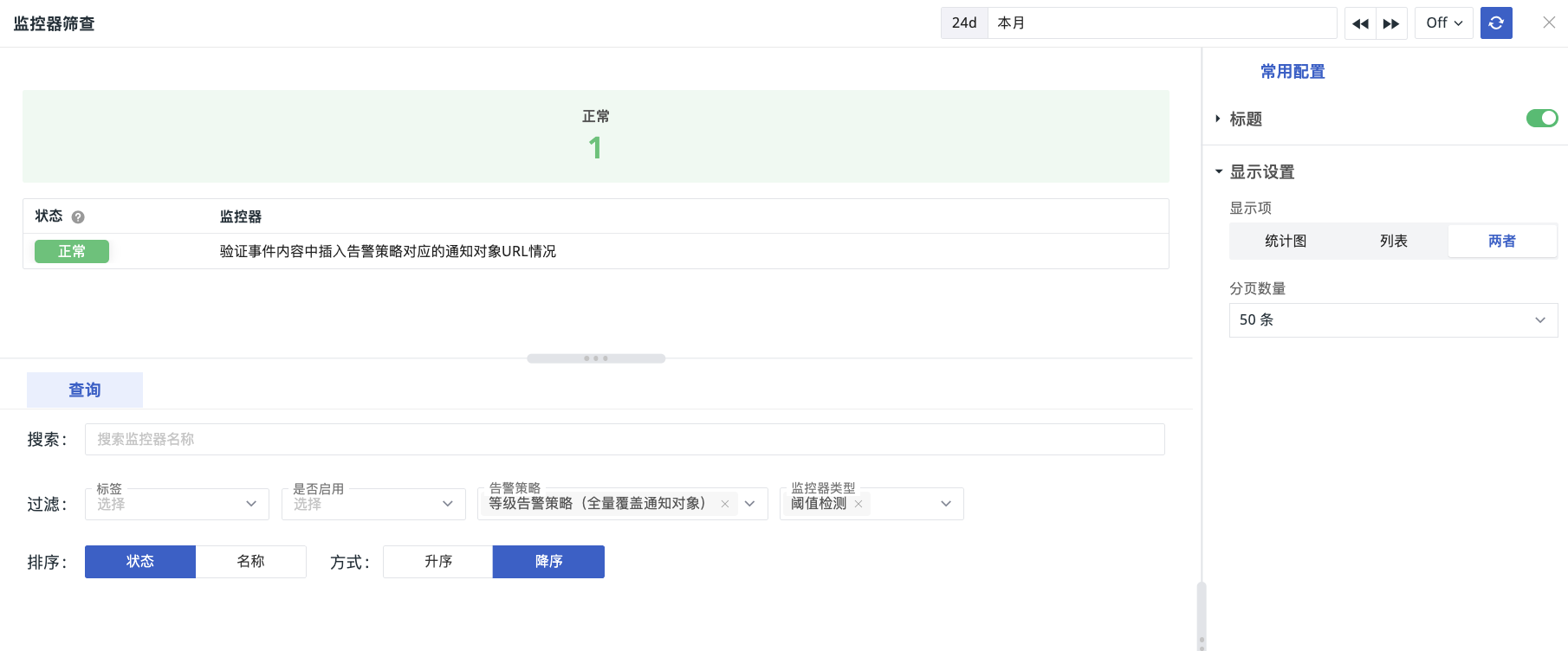
Chart Query
- Search by monitor name.
- Filter based on monitor tags, enabled status, associated alert strategies, and monitor type.
- Sort the final filtered results:
- Sort by status or name.
- Choose ascending or descending order.
Chart Configuration
For more details, refer to Chart Configuration.
Display Items
Determines whether the left-side chart statistics and list are displayed.