All Events
The All Events Explorer aggregates event data from all sources in the current Workspace, providing a multi-dimensional analysis view of key information such as event source, alert level, and monitoring type through both list and chart formats.
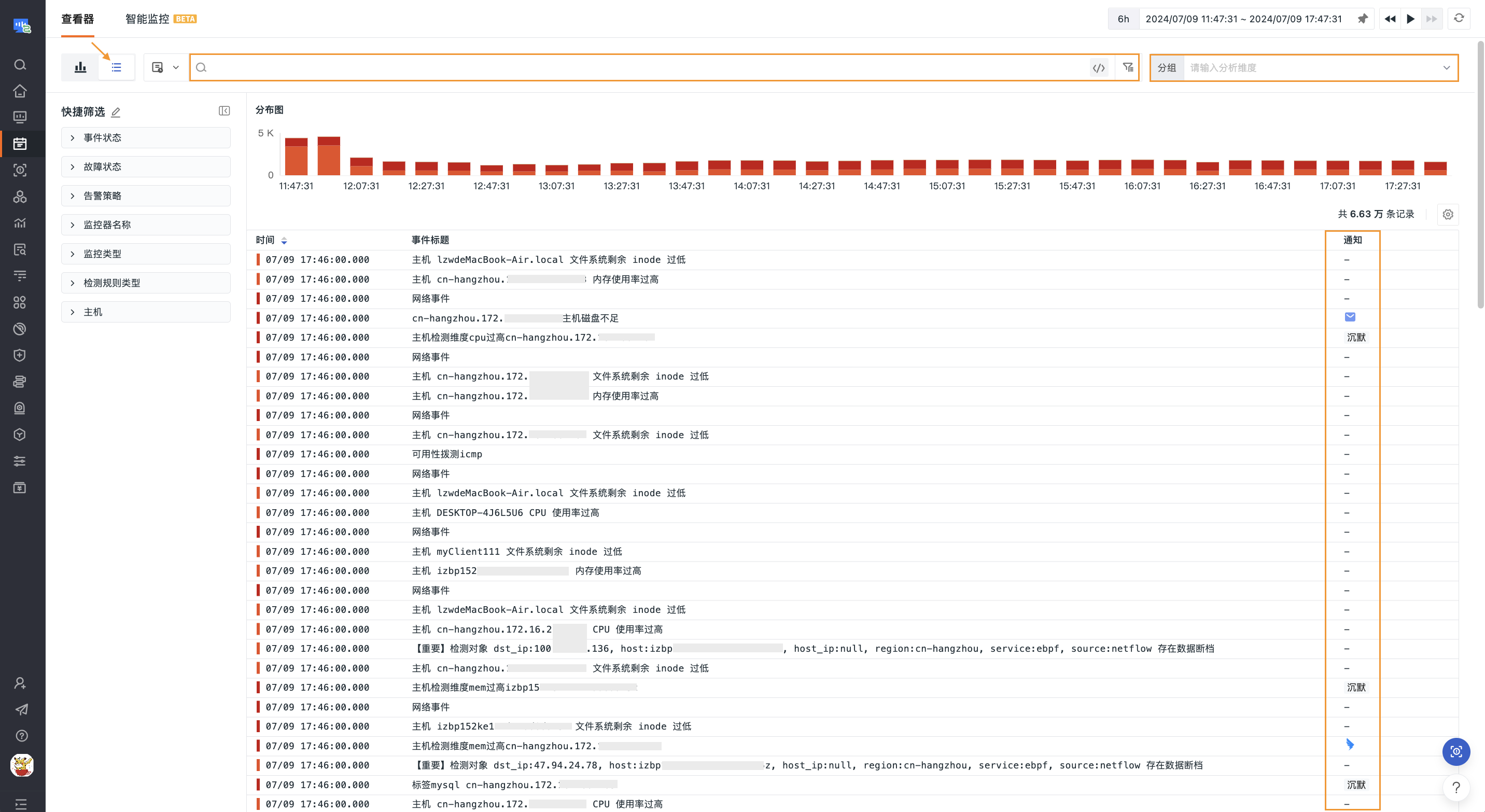
Analysis Views
The system provides two data display modes. Click the toggle button at the top to switch between them:
Displays event records in a list format. Each event shows key information such as time, title, source, level, and notification status. The distribution chart above the list stacks event counts by event status by default; you can also switch to count statistics via the Status Distribution Preference to view changes in the total number of event records.
Visual analysis based on aggregation operations, supporting the following chart types:
- Time Series
- Top List
- Pie Chart
- Treemap
- Grouped Table
Charts aggregate and filter data based on calculation modes such as count, last, first, and count_distinct, under the by condition.
Display
Based on All Events data, you can configure display preferences via Display.
Standard
The default mode, which intuitively presents the core event information.
List
After switching to List mode, you can control the displayed columns by adding or removing built-in event fields. The following fields are displayed by default:
notice: Notificationtime: Timedf_source: Event Sourcedf_title: Event Titledf_status: Level
For more settings, refer to Explorer Display.