Menu Management
Go to Admin Console > Menu Management to manage the feature menus for all workspaces under the current site. You can select the feature modules you need; after modification, all changes will be synced to all workspaces under the current site.
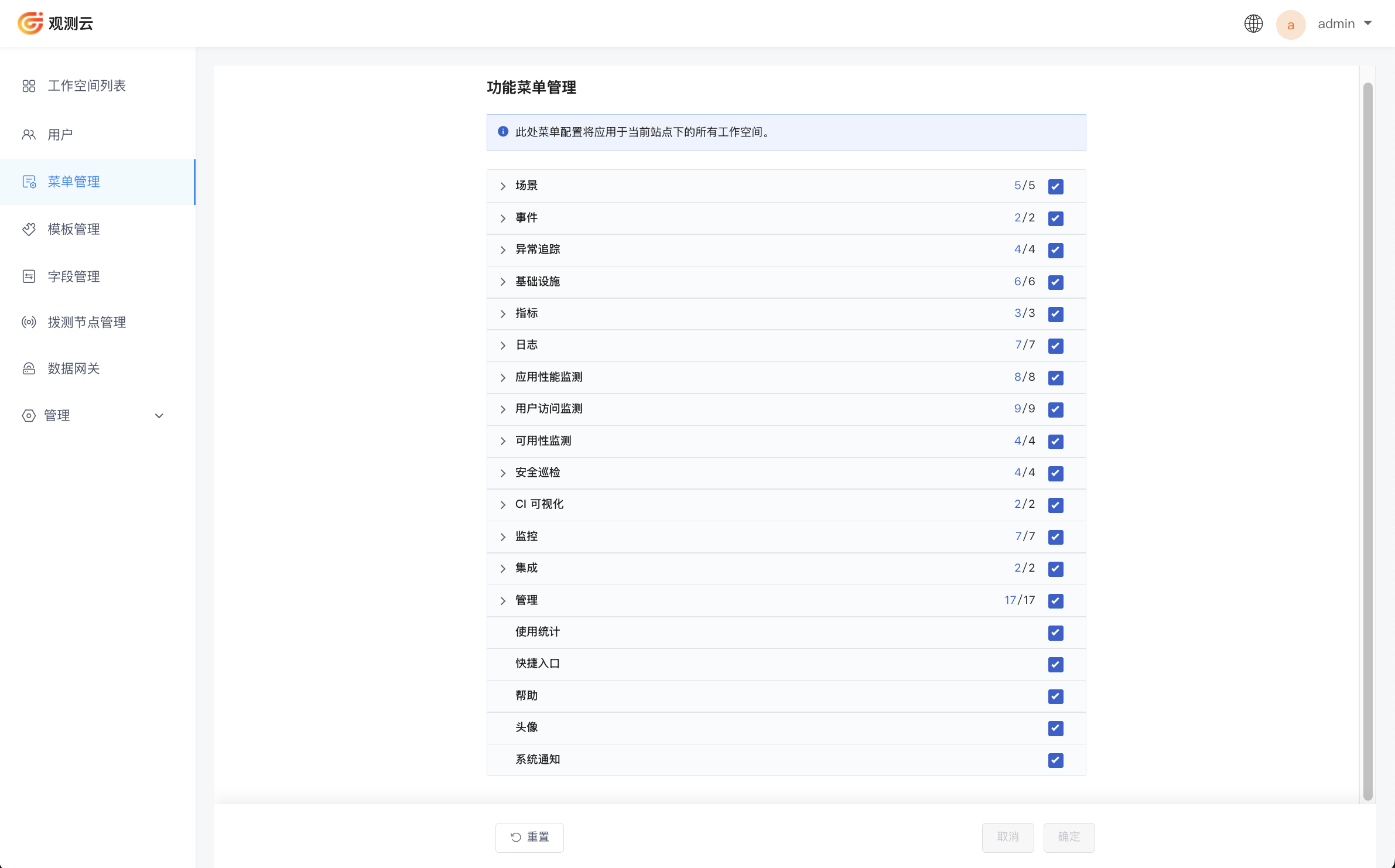
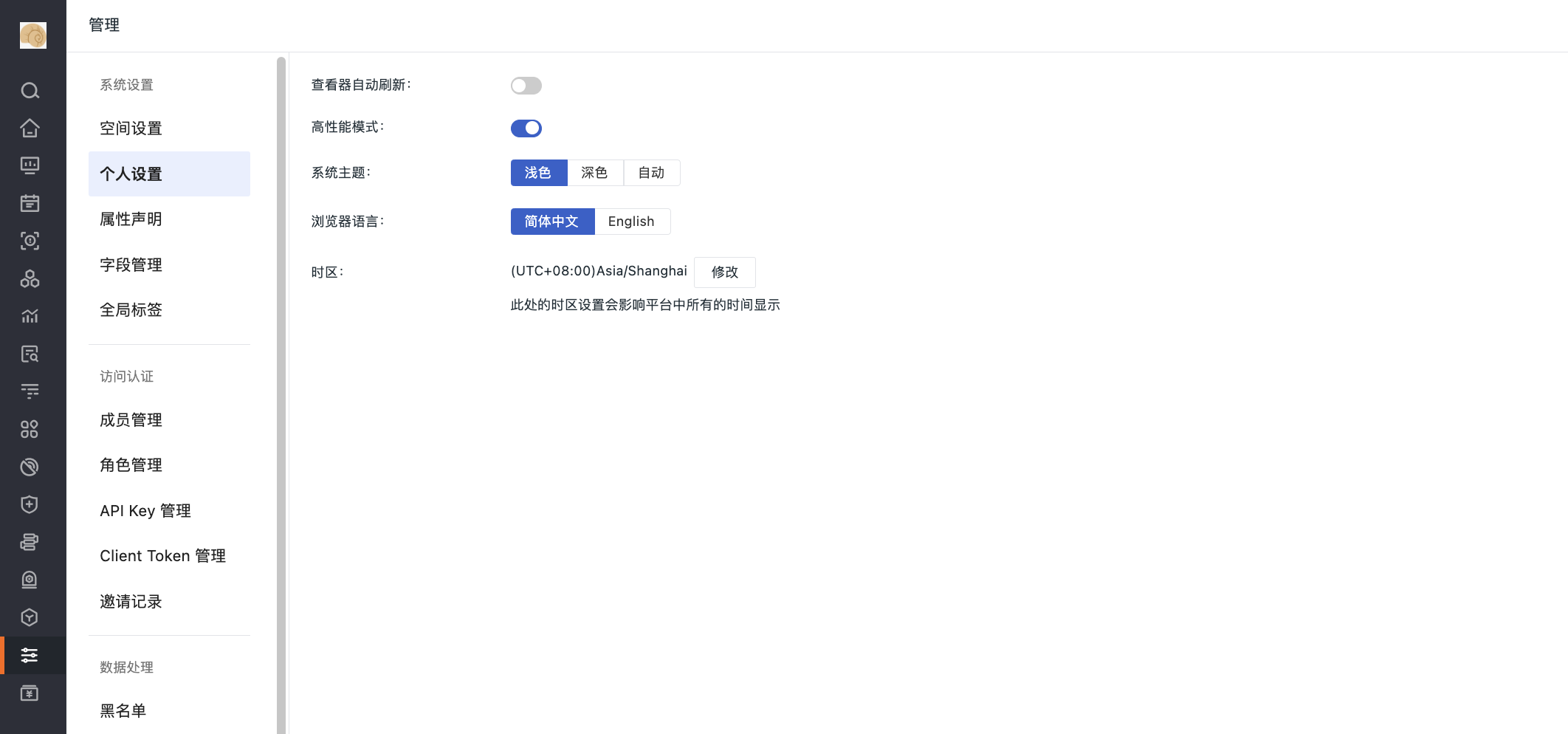
Note: If you choose to hide the avatar here, Workspace Console > Management will show User Settings. You can modify configuration items such as Explorer auto-refresh and High Performance Mode.
For how to modify the feature menu for a single workspace, refer to Feature Menu Management.