Activate Guance Commercial Plan through Alibaba Cloud International Marketplace
To meet the product needs of both domestic and international users, we now support purchasing Guance Commercial Plan from Alibaba Cloud International Marketplace.
Step 1: Purchase Guance
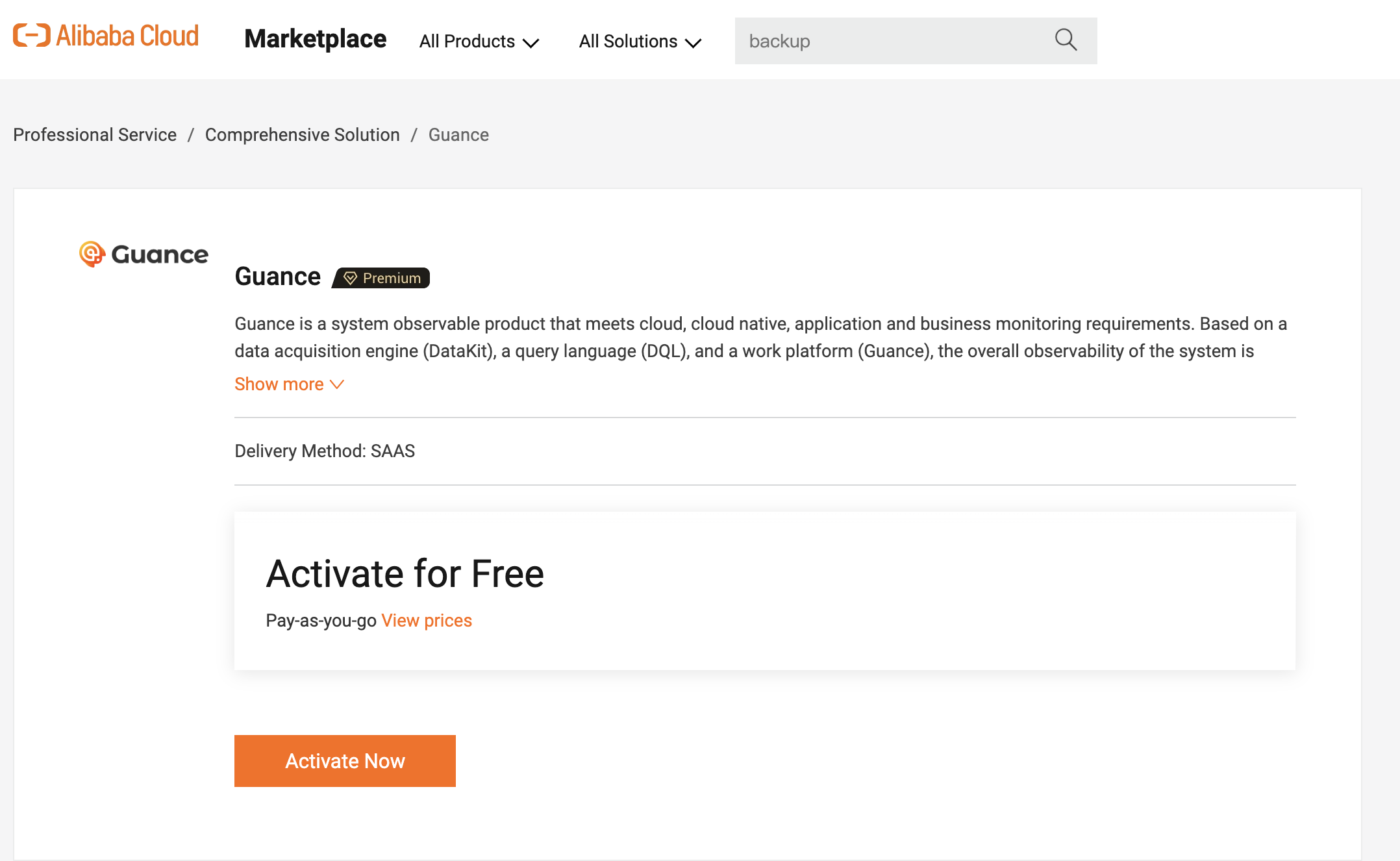
Go to the Alibaba Cloud International Marketplace and click Activate Now.
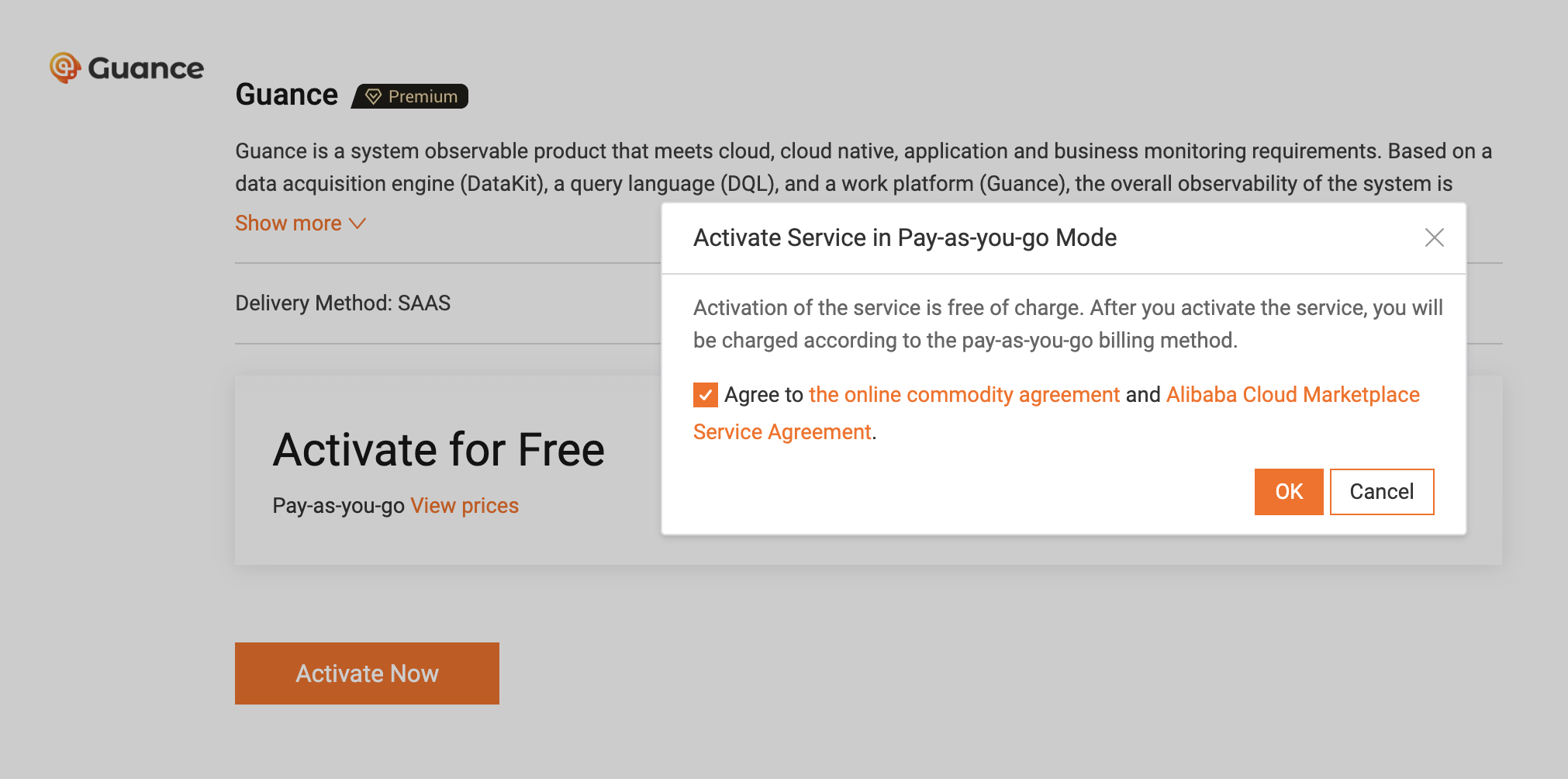
A free activation window appears. Click OK:
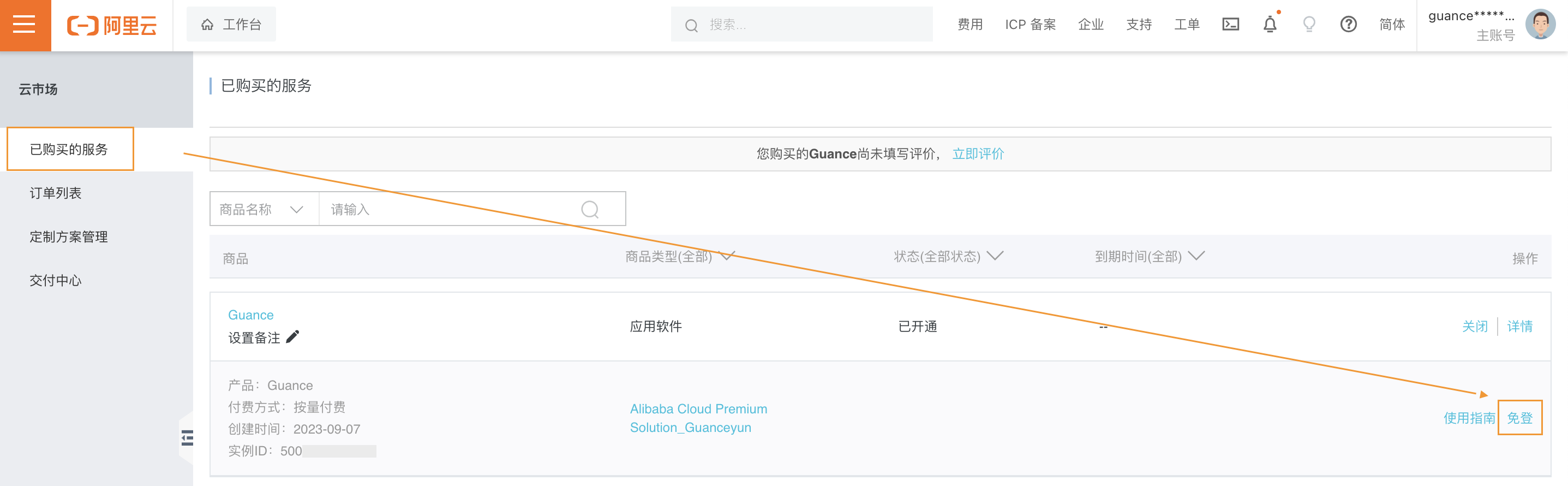
You will be redirected to the Marketplace page to view the purchased Guance product services.
Step 2: Start Using Guance
After purchasing the Guance service from Alibaba Cloud International Marketplace, on the Purchased Services page, you can use Login-Free Access to go directly to Guance.
If the current Alibaba Cloud account ID is not bound to a Guance Billing Center account, after successful login you will be redirected to the page shown below. You can choose:
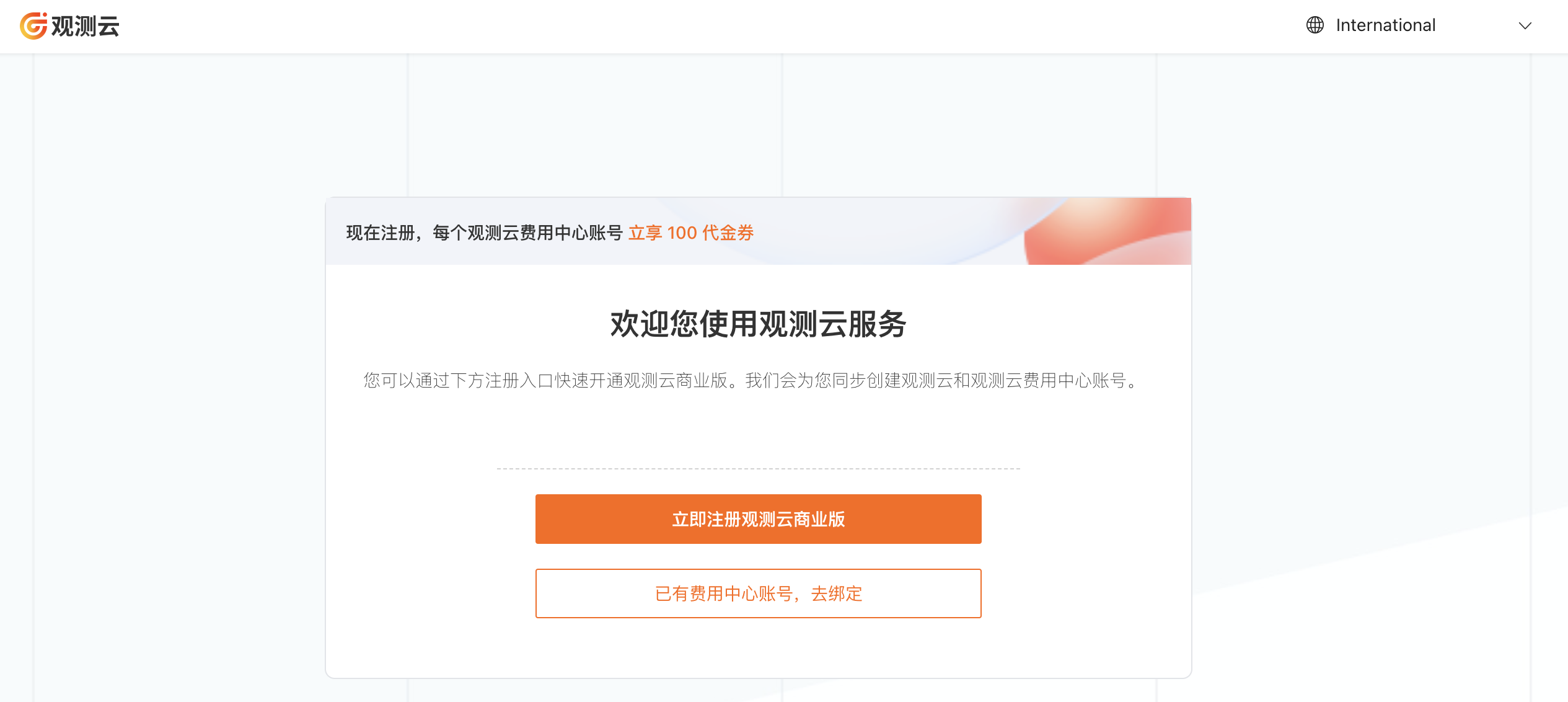
Register for Guance Commercial Plan now;
Already have a Billing Center account? Bind it.
Settlement
After you start using Guance product services, you can use the International Billing Center to settle in USD using your Alibaba Cloud account.
Note: Currently, Guance all Hong Kong and international sites can activate and bind Alibaba Cloud International Marketplace products and settle in USD. When purchasing Guance products from Alibaba Cloud Marketplace (International), you can also choose any Hong Kong or international site for activation and binding.
For FAQs about sites and settlement, refer to FAQ.
How to Get Your Account ID?
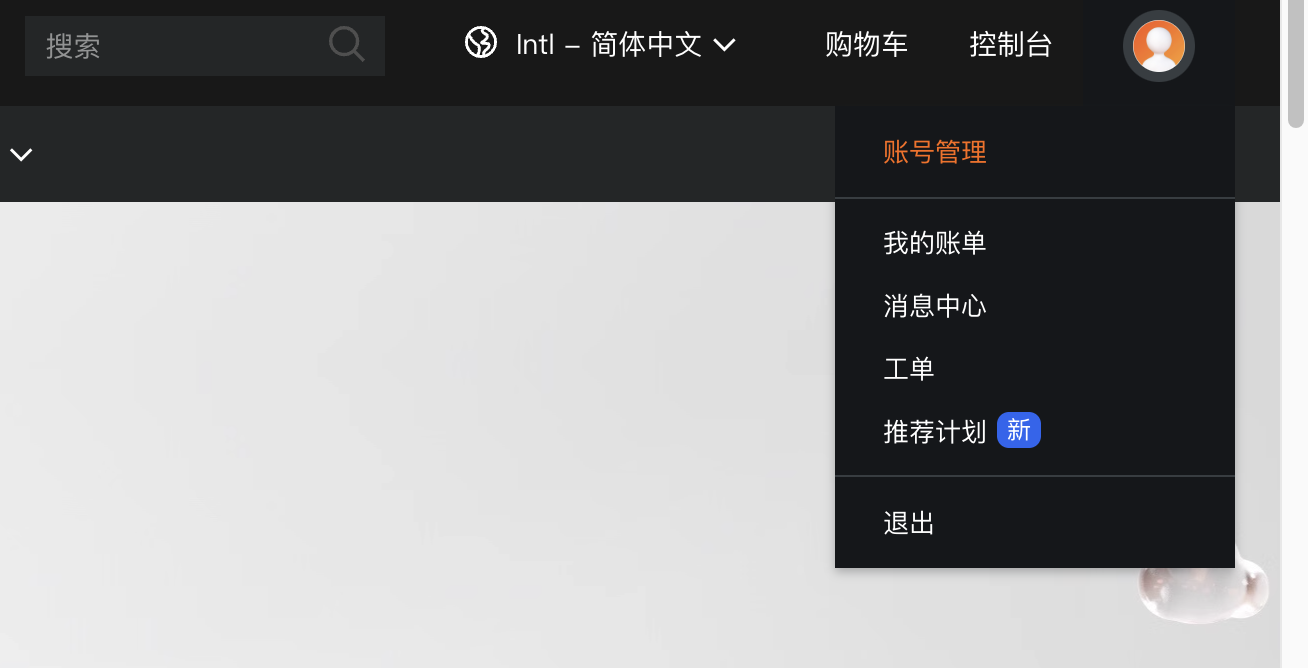
Click your avatar and go to Account Management:
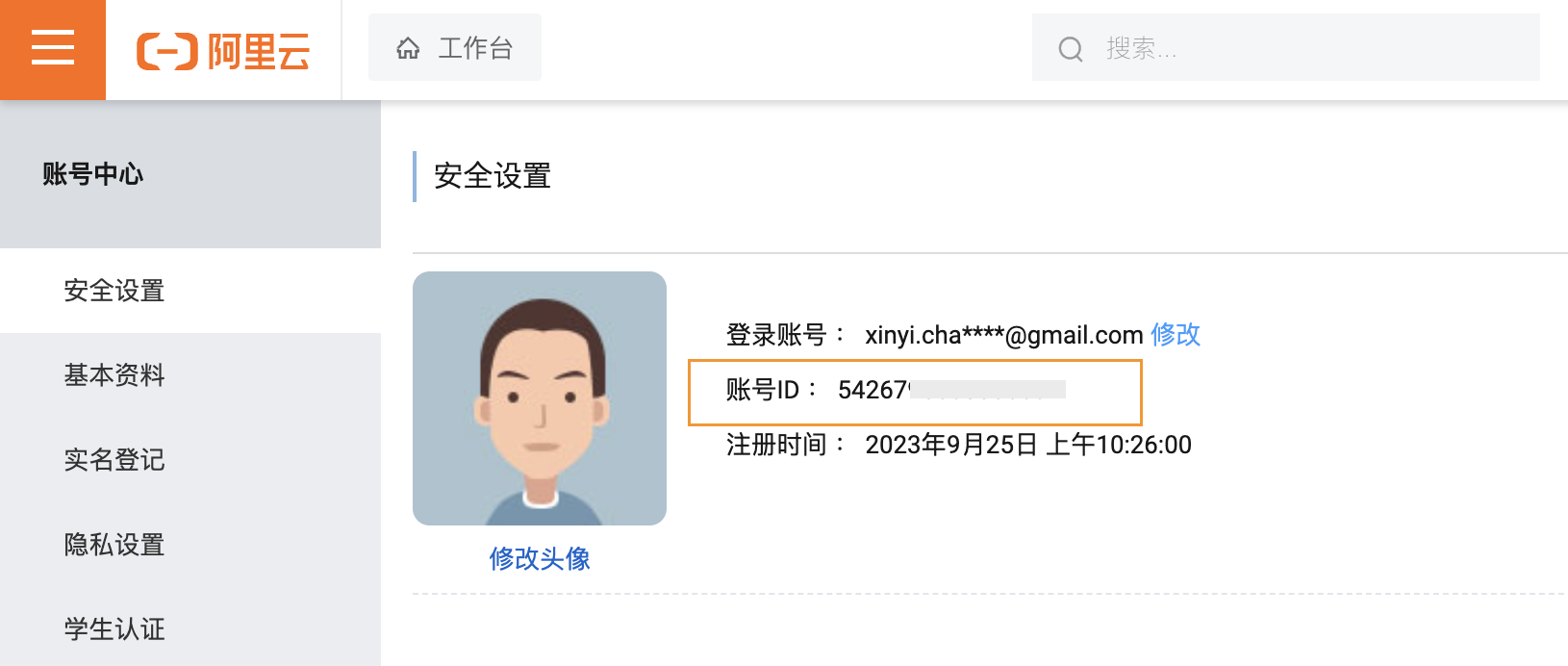
On this page, you can view your account ID:
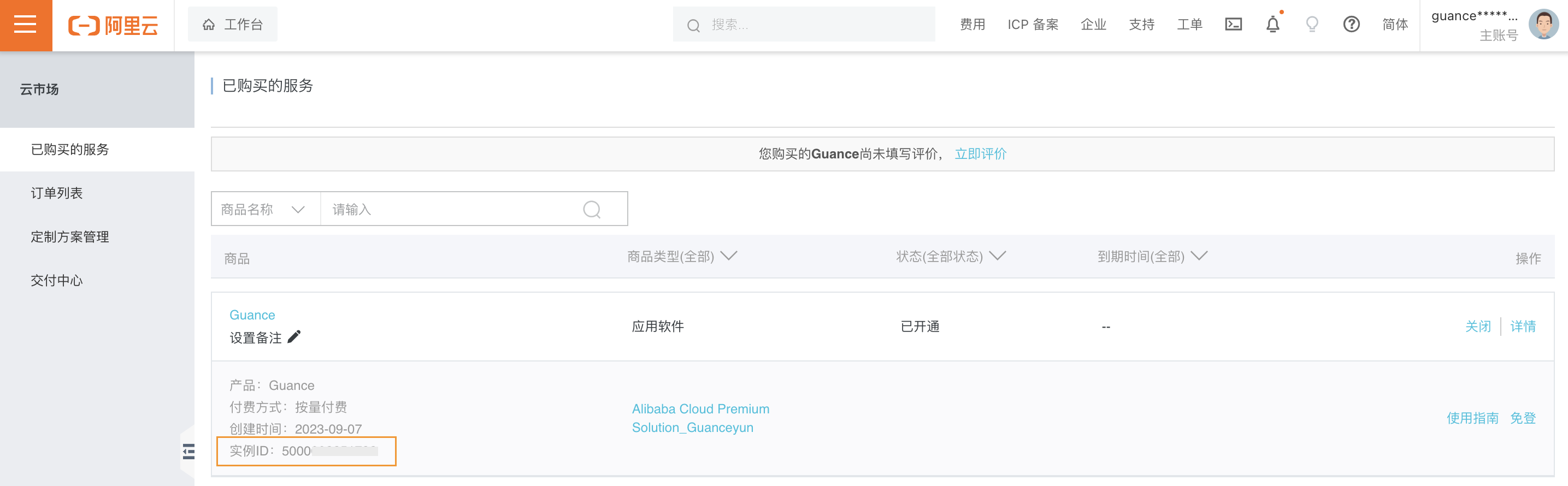
How to Get Your Instance ID?
After you have purchased Guance services, go to Marketplace > Purchased Services. On the right side, you can see all purchased products. Each product has its Instance ID.