Update Templates in Offline Environment
Overview
This section describes how to manually update the view template package, measurement dictionary, official Pipeline library, etc., in an offline environment without upgrading the Guance version.
How to Update the View Template Package in an Offline Environment
- Download the latest view template package: https://gitee.com/dataflux/dataflux-template (master branch). After downloading, you will get a dataflux-template-master.zip file.
- Upload the downloaded file to the container persistent storage directory at:
forethought-corenamespace →innercontainer →/config/cloudcare-forethought-backend/sysconfig/staticFolder/ - Replace the existing content in the
staticFolderwith the uploaded file:cd /config/cloudcare-forethought-backend/sysconfig/staticFolder unzip dataflux-template-master.zip # For the first deployment, since dataflux-template does not exist, there is no need to run the mv command. When updating the template later, you need to run the mv command. # mv dataflux-template dataflux-template-bak mv dataflux-template-master dataflux-template - Enter the Python environment at:
forethought-corenamespace →innercontainer →/config/cloudcare-forethought-backend - Execute the Python commands:
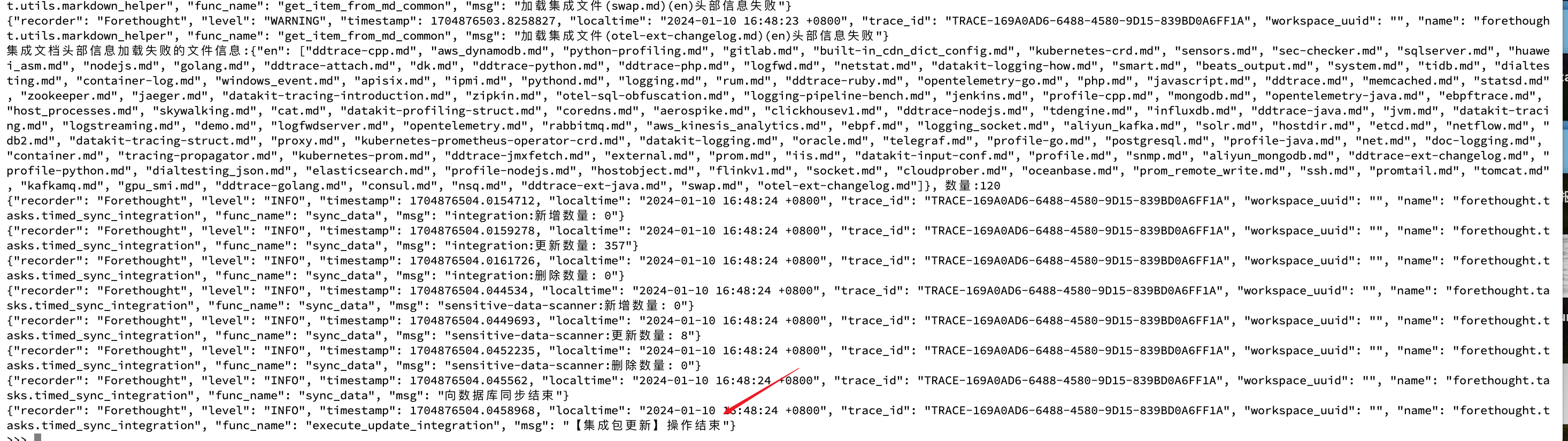
- If you see the following prompt, the import is successful:
How to Update the Measurement Dictionary JSON in an Offline Environment
- Download the latest measurement dictionary JSON file: https://static.guance.com/datakit/measurements-meta.json
- In the folder
forethought-corenamespace →innercontainer →/config/cloudcare-forethought-backend/sysconfig/staticFolder/metric, create a new file namedmetric_config.jsonand paste the content from the link into it.
How to Update the Official Pipeline Library in an Offline Environment
- Download the latest measurement dictionary JSON file: https://static.guance.com/datakit/internal-pipelines.json
- In the folder
forethought-corenamespace →innercontainer →/config/cloudcare-forethought-backend/sysconfig/staticFolder, create a new file namedinternal-pipelines.jsonand paste the content from the link into it.