Ansible Batch Operations Guide
Software Introduction
Ansible is an automated operations tool developed in Python. It integrates the advantages of many operations tools (Puppet, Chef, Func, Fabric) and implements batch system configuration, batch program deployment, and batch command execution.
Features
- Simple deployment: only the control node needs Ansible environment, no action required on managed nodes
- Uses SSH protocol by default for device management
- Has a large number of common operations modules covering most daily tasks
- Simple configuration, powerful functionality, and strong extensibility
- Supports API and custom modules, easily extensible via Python
- Uses Playbooks to define powerful configuration and state management
Basic Architecture
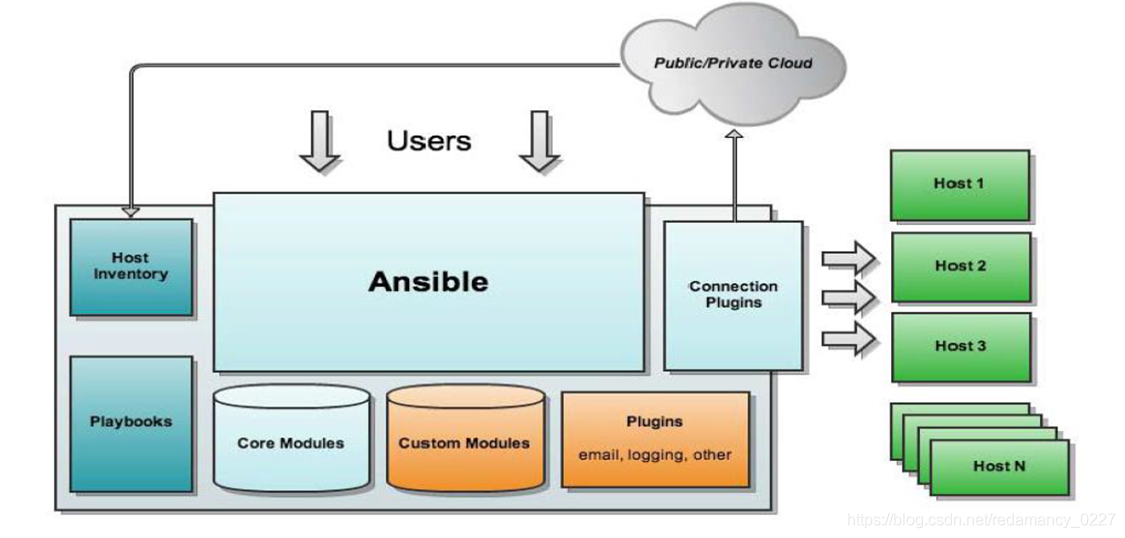
- Ansible: Core Ansible program.
- HostInventory: Records host information managed by Ansible, including ports, passwords, IPs, etc.
- Playbooks: YAML format files that define multiple tasks in one file, specifying which modules to call on hosts to complete functions.
- CoreModules: Core modules, the main operations are performed by calling core modules to complete management tasks.
- CustomModules: Custom modules, used to complete functions not covered by core modules, supporting multiple languages.
- ConnectionPlugins: Connection plugins used for communication between Ansible and hosts.
Task Execution
The Ansible system can be divided into two modes of operation from the control host to managed nodes: ad-hoc and playbook
-
Ad-hoc mode (point-to-point mode) Uses a single module to execute a single command in batch. An ad-hoc command is a quick input command that does not need to be saved, similar to a single shell command in bash.
-
Playbook mode (script mode) The main management method of Ansible and the key to its powerful functionality. A playbook combines multiple tasks to complete a specific function, such as deploying a web service or batch backup of database servers. A playbook can be simply understood as a configuration file that combines multiple ad-hoc operations.
Batch Operations Guide
Environment Preparation
| IP | System | Hostname | Description |
|---|---|---|---|
| 10.0.0.65 | CentOS 7.8 | ansible01 | Ansible management node (dk already installed) |
| 10.0.0.66 | CentOS 7.8 | ansible02 | Managed node 1 |
| 10.0.0.67 | CentOS 7.8 | ansible03 | Managed node 2 |
Software Installation
Log in to ansible01 and execute the installation command:
Main programs:
/usr/bin/ansibleMain program/usr/bin/ansible-docConfiguration documentation/usr/bin/ansible-playbookCustom automation tasks, playbook orchestration tool/usr/bin/ansible-pullRemote execution tool/usr/bin/ansible-vaultFile encryption tool
Main configuration files:
/etc/ansible/ansible.cfgMain configuration file/etc/ansible/hostsHost inventory (place managed hosts here)/etc/ansible/roles/Directory for roles
Passwordless SSH Login
Log in to ansible01, generate an SSH key. Default paths: /root/.ssh/id_rsa, /root/.ssh/id_rsa.pub
Distribute the public key to the managed nodes:
Modify the host inventory file /etc/ansible/hosts to add the group name and host IPs:
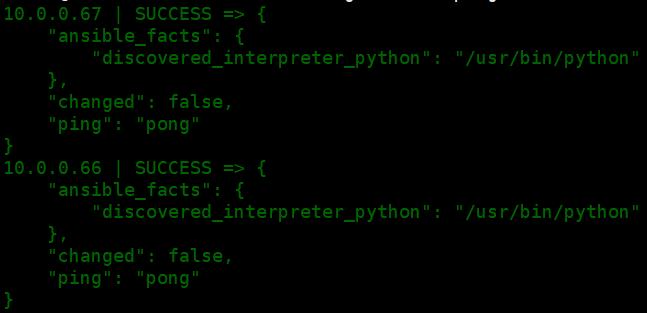
Verify connectivity:
Common Modules
Shell Module
The Shell module invokes the shell interpreter on remote hosts to run commands, supporting shell features such as pipes.
- Check the current user ID
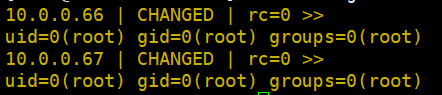
- Check currently logged-in users

Copy Module
This module copies files to remote hosts, and also supports generating a file from given content and modifying permissions.
- Copy the
ansible.cfgfile to the remote host and set permissions to "read-write"-rw-rw-rw-
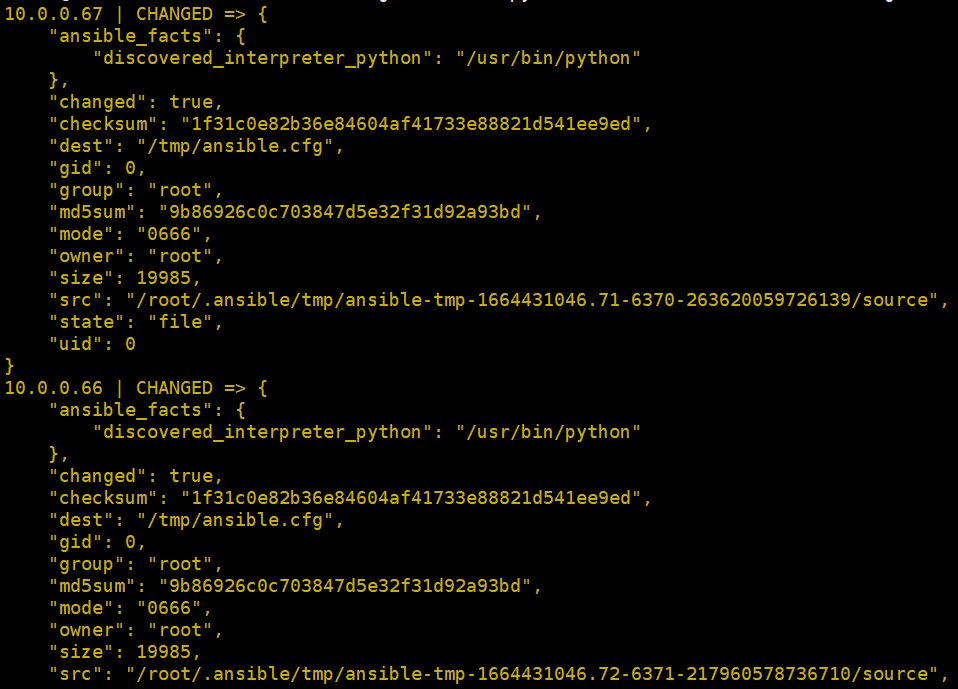
Check the remote host's ansible.cfg file:

- Generate a file from given content
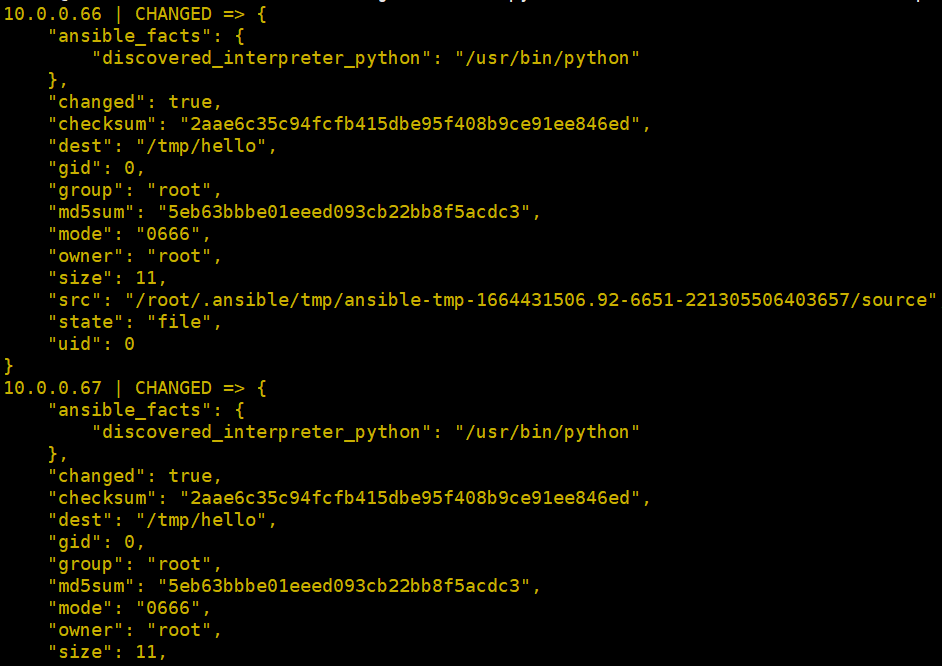
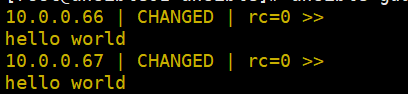
Check the remote host file:
File Module
This module sets file attributes, such as creating files, creating symbolic links, deleting files, etc.
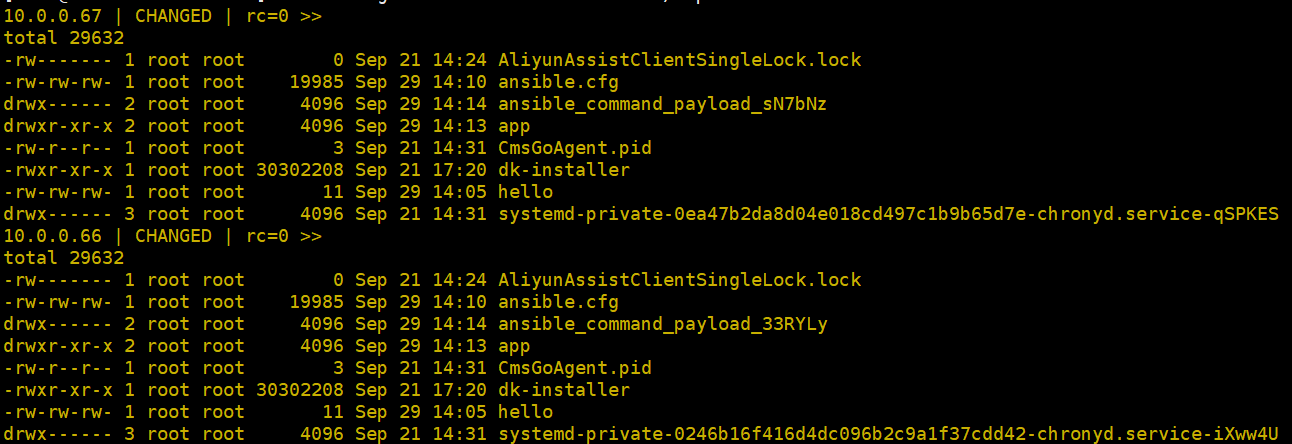
- Create the
appdirectory under/tmp

Check the /tmp directory:
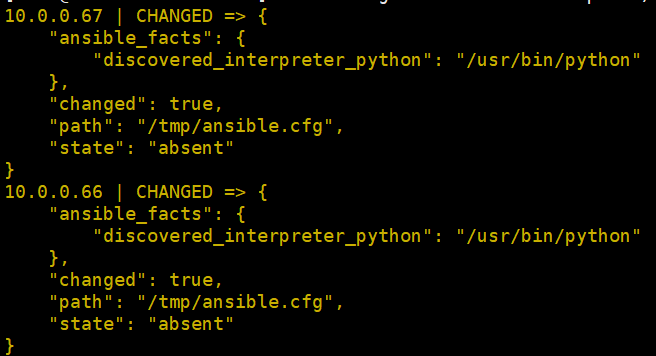
- Delete the
ansible.cfgfile previously copied from ansible01
Fetch Module
This module fetches (copies) files from a remote host to the local machine.
- Fetch the remote host's
/tmp/hellofile to the/rootdirectory
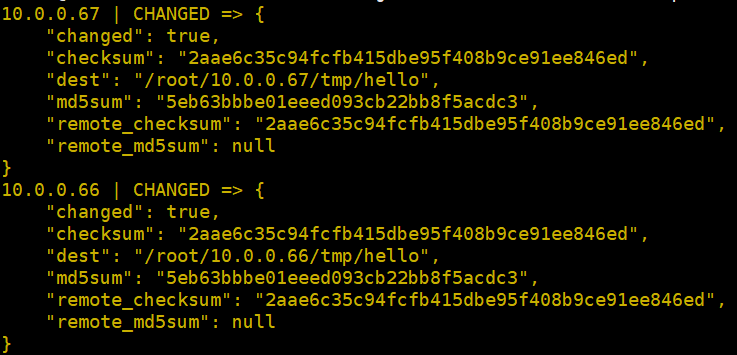
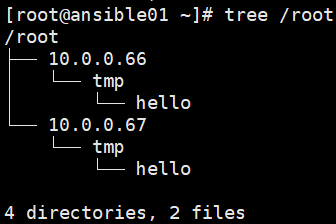
Two new directories (named after the remote host IPs) appear under /root:
Guance Application
Batch Installation
Use the Shell module to install DataKit (note: modify the corresponding token):
ansible guance -m shell -a 'DK_DATAWAY="https://openway.guance.com?token=token" bash -c "$(curl -L https://static.guance.com/datakit/install.sh)"'
Check if the process has started:

Batch Configuration
- Enable the netstat plugin
Use the Shell module to copy netstat.conf.sample to netstat.conf:
ansible guance -m shell -a 'cp /usr/local/datakit/conf.d/host/netstat.conf.sample /usr/local/datakit/conf.d/host/netstat.conf'
Batch restart DataKit:
Batch Upgrade
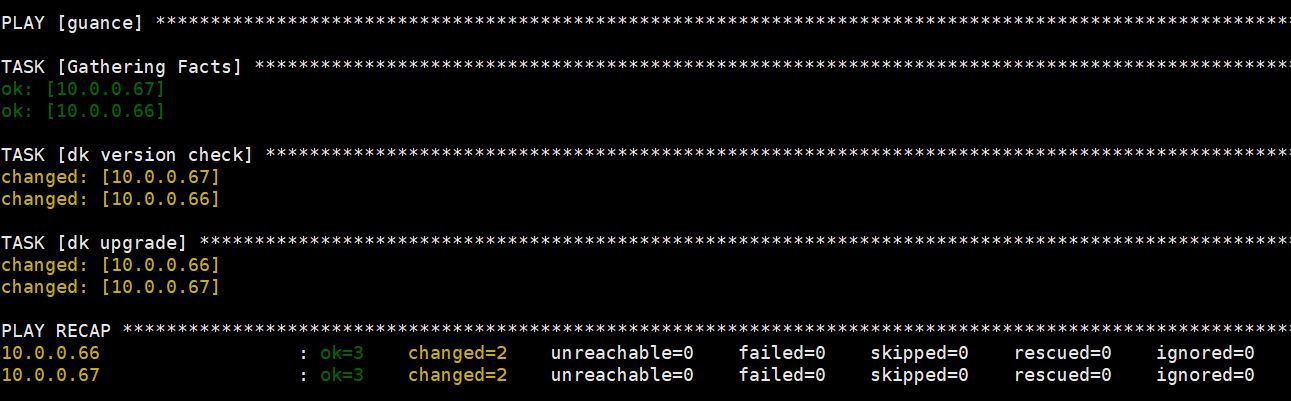
Create a DataKit upgrade YAML file /etc/ansible/dk_upgrade.yaml:
- hosts: guance
  remote_user: root
  tasks:
    - name: dk version check
      shell: datakit --version|grep -i upgrade|wc -l
      register: version
    - name: dk upgrade
      when: version.stdout > "0"
      shell: DK_UPGRADE=1 bash -c "$(curl -L https://static.guance.com/datakit/install.sh)"
Run the playbook:
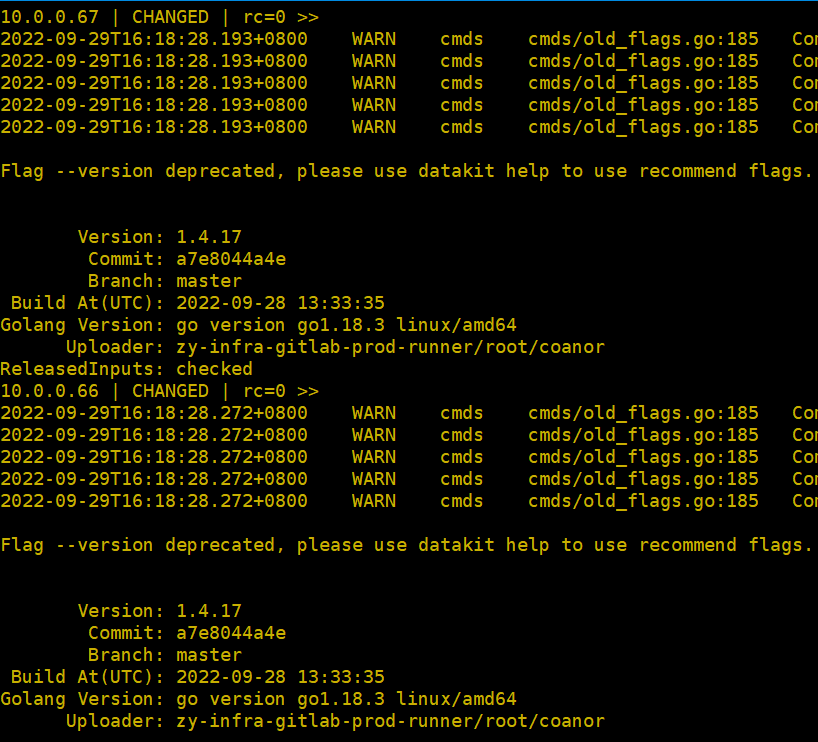
Check that the DataKit version is now up to date:
Add a scheduled task via crontab -e (run the batch upgrade at 02:02 daily):