Best Practice for Log Data Backup to OSS (Function)
Prerequisites
Install DataKit
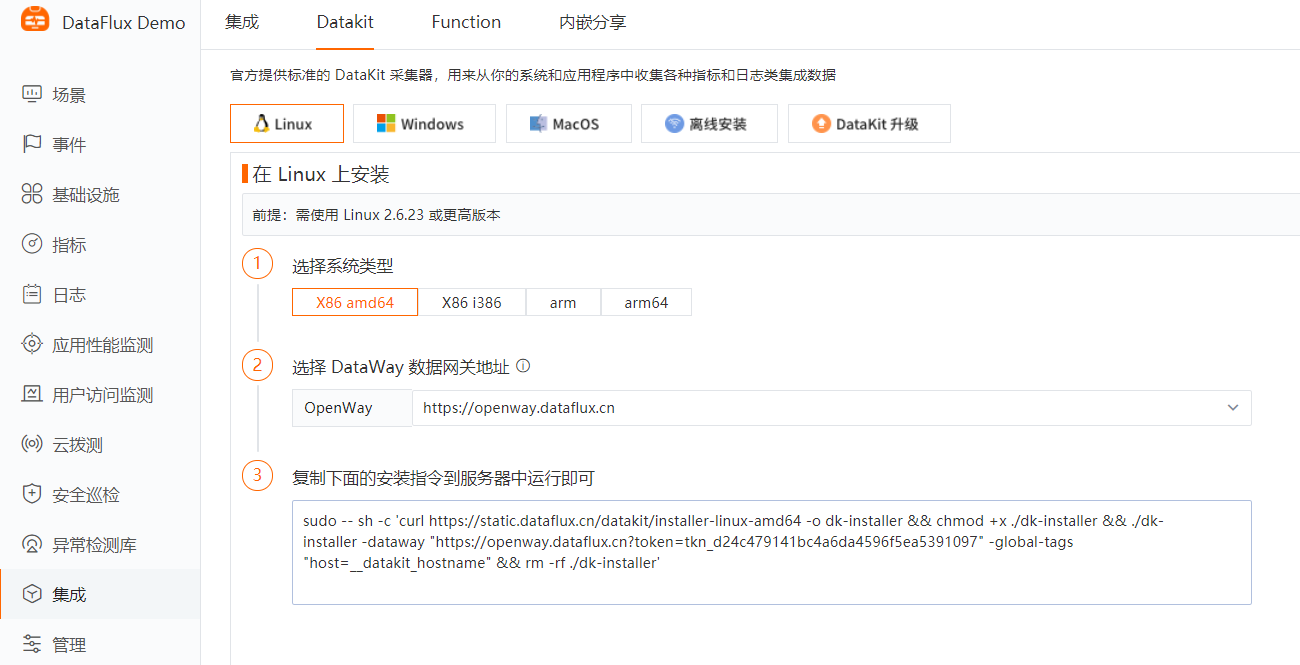
- Click the [Integration] module, then [DataKit], and select the appropriate installation command based on your operating system and system type.
-
Copy the DataKit installation command and run it directly on the server to be monitored.
-
Installation directory: /usr/local/datakit/
-
Log directory: /var/log/datakit/
-
Main configuration file: /usr/local/datakit/conf.d/datakit.conf
-
Plugin configuration directory: /usr/local/datakit/conf.d/
Install Function
- Click the [Integration] module, then [Function], download the installation package and execute the installation command.
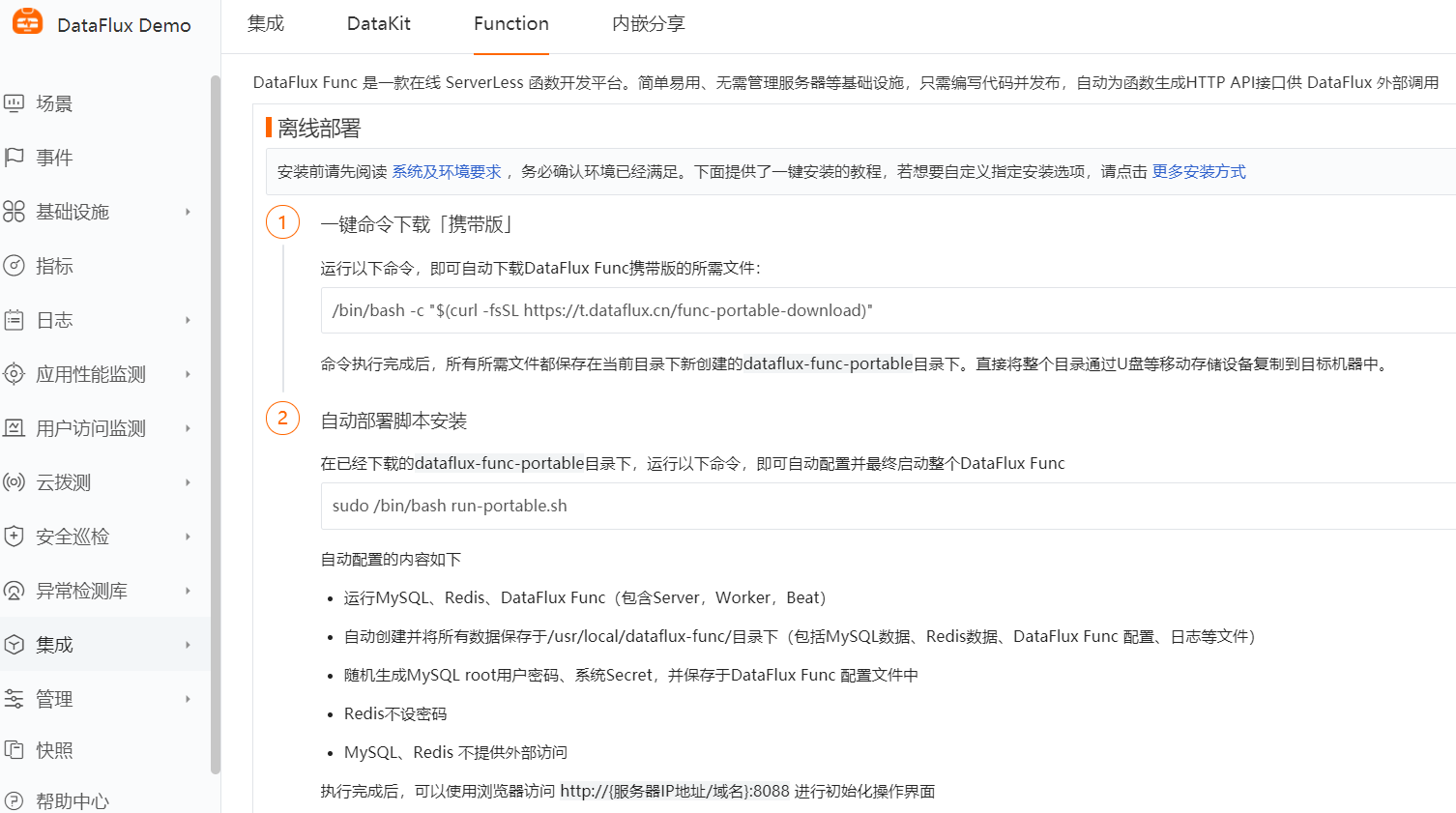
- After installation, use a browser to access http://服务器IP地址:8088 to perform the initialization interface.
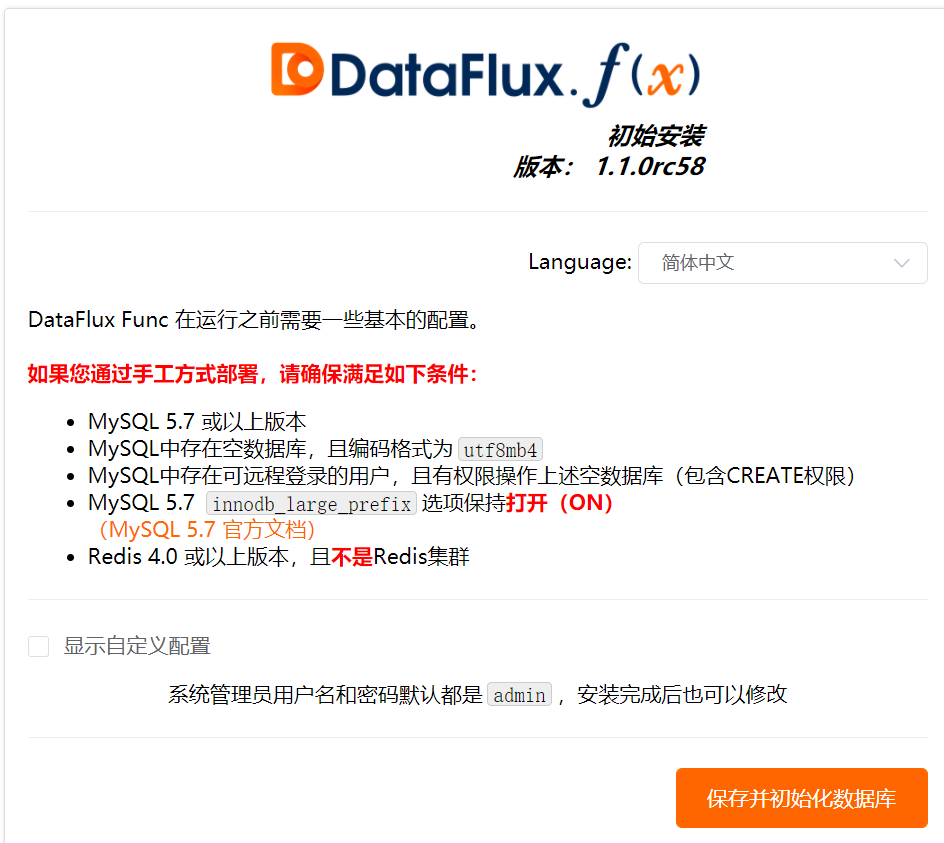
- Log in to the system using the default username/password: admin.
RAM Access Control
-
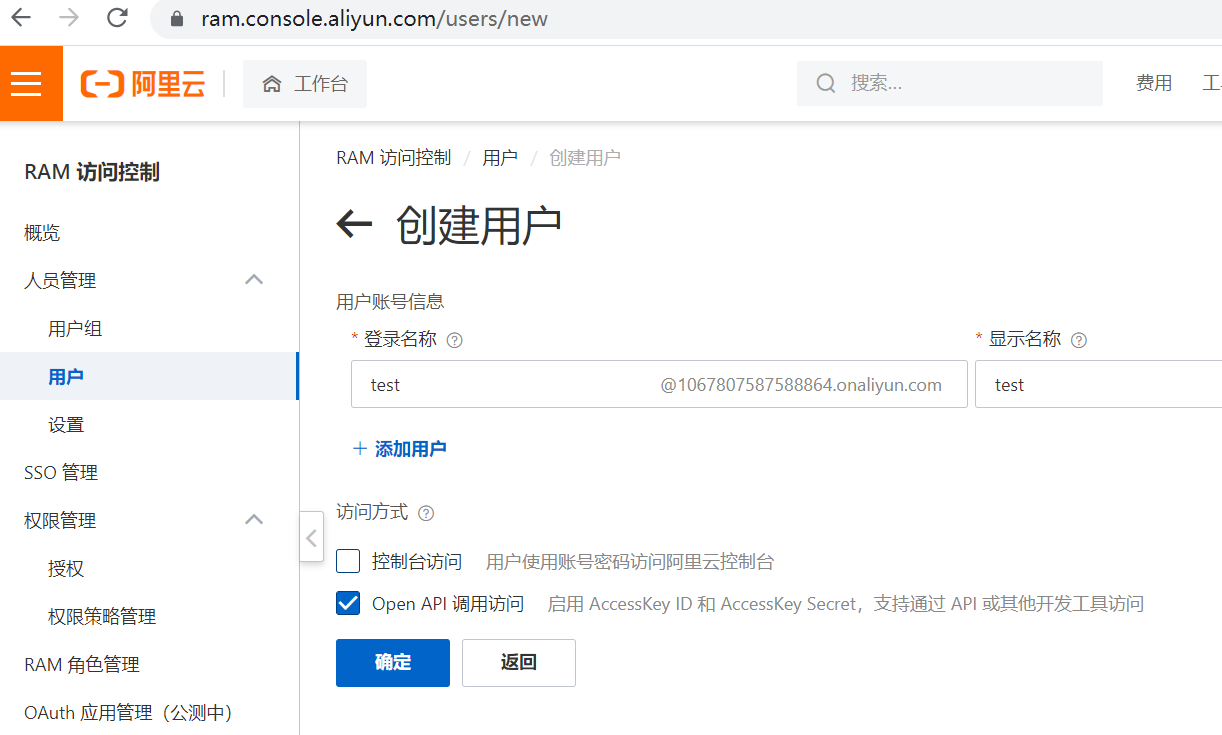
Log in to the RAM console https://ram.console.aliyun.com/users
-
Create a user: Identity Management → Users → Create User.
-
Save or download the CSV file containing the AccessKey ID and AccessKey Secret (will be used in the configuration file).
-
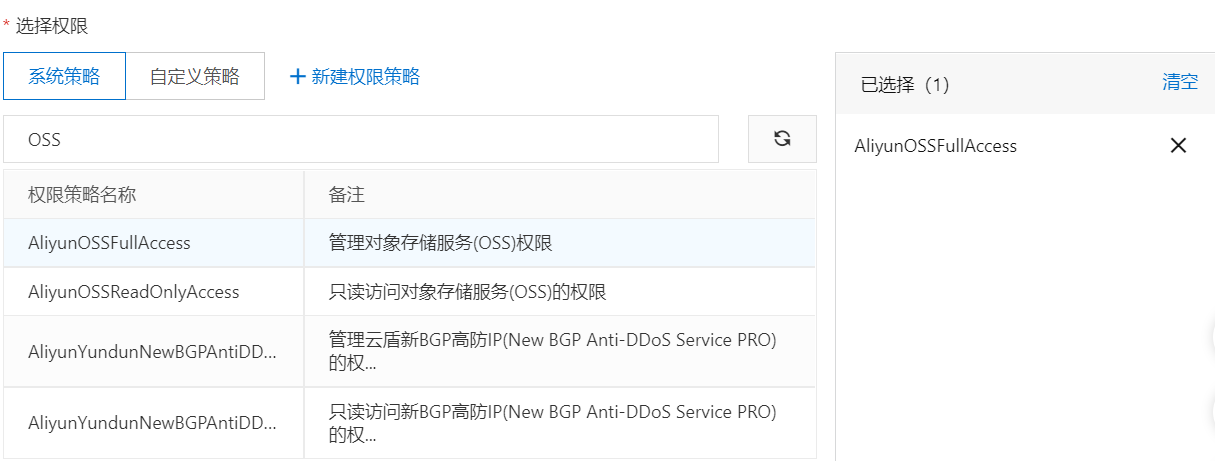
Grant user permissions (manage OSS permissions).
Script Development
Log Backup to OSS
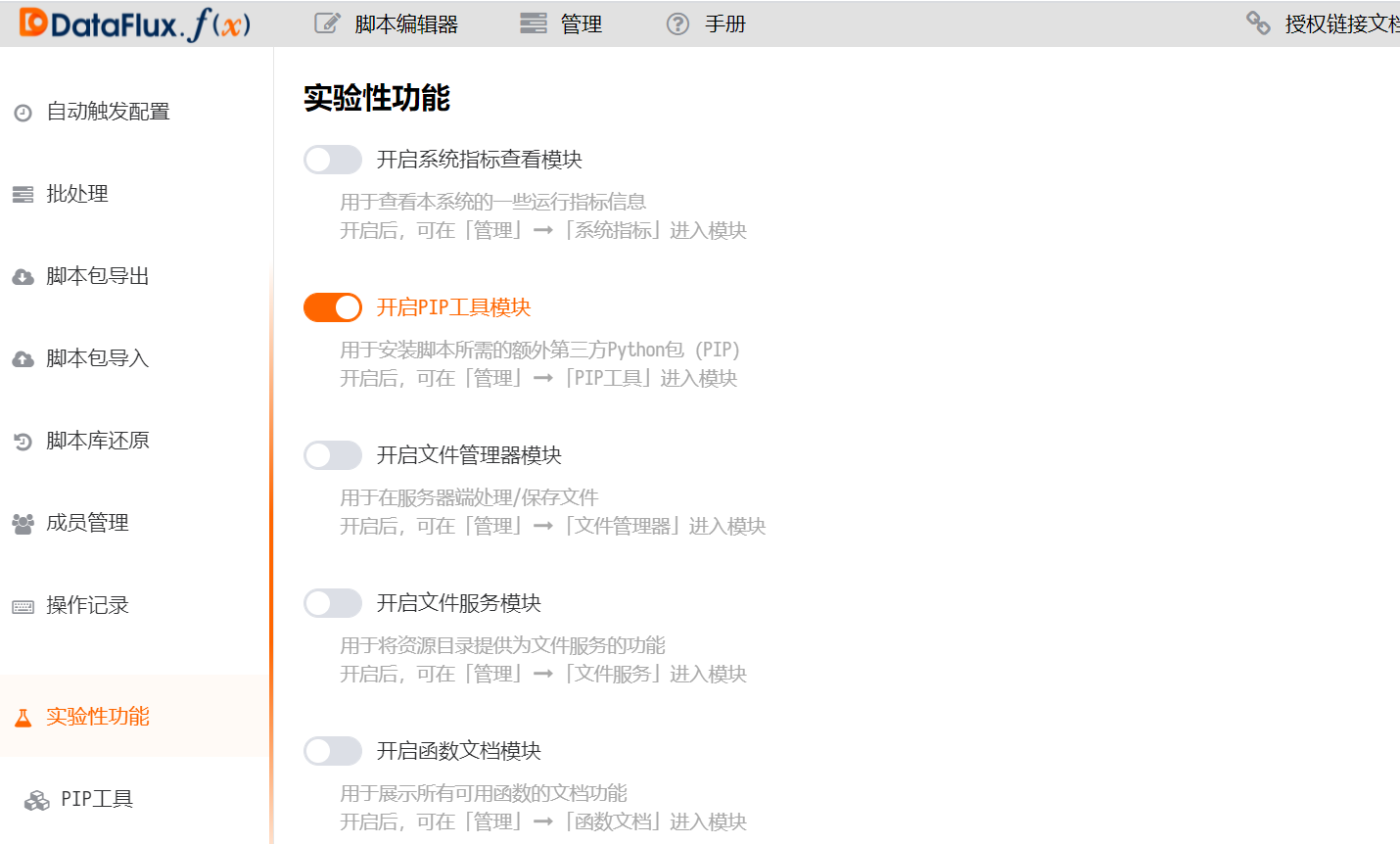
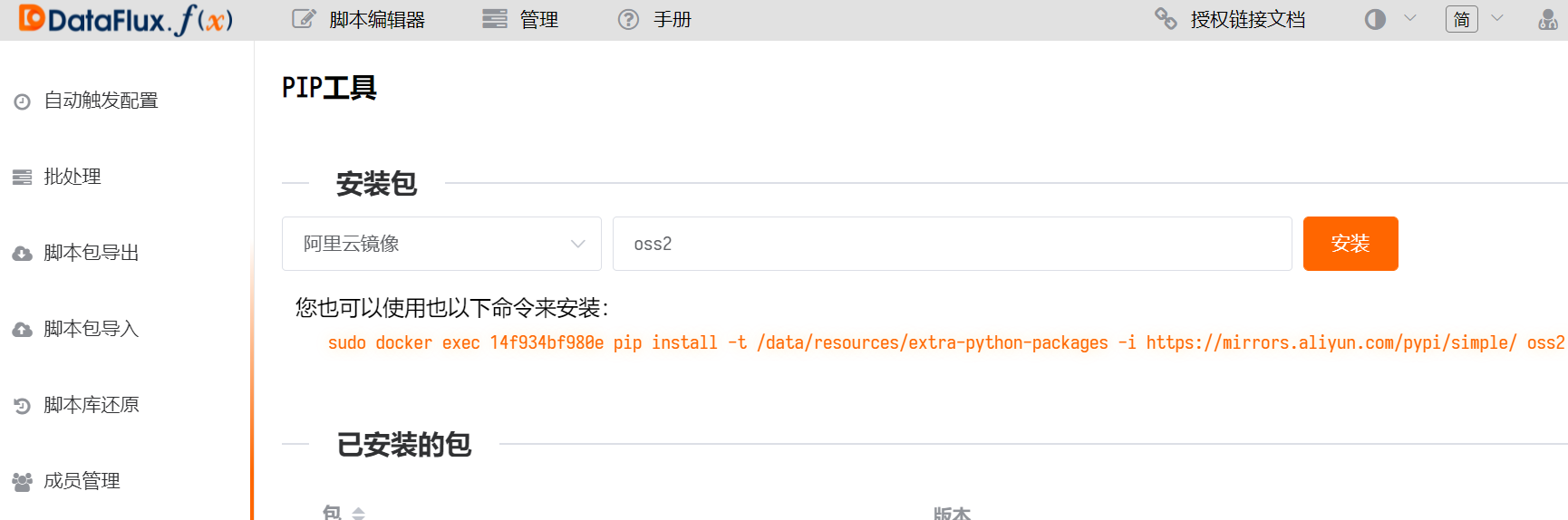
- Administration → Experimental Features → Enable the PIP tool module.
- Install the Alibaba Cloud SDK dependency package (oss2).
- Create a script set and add a script.
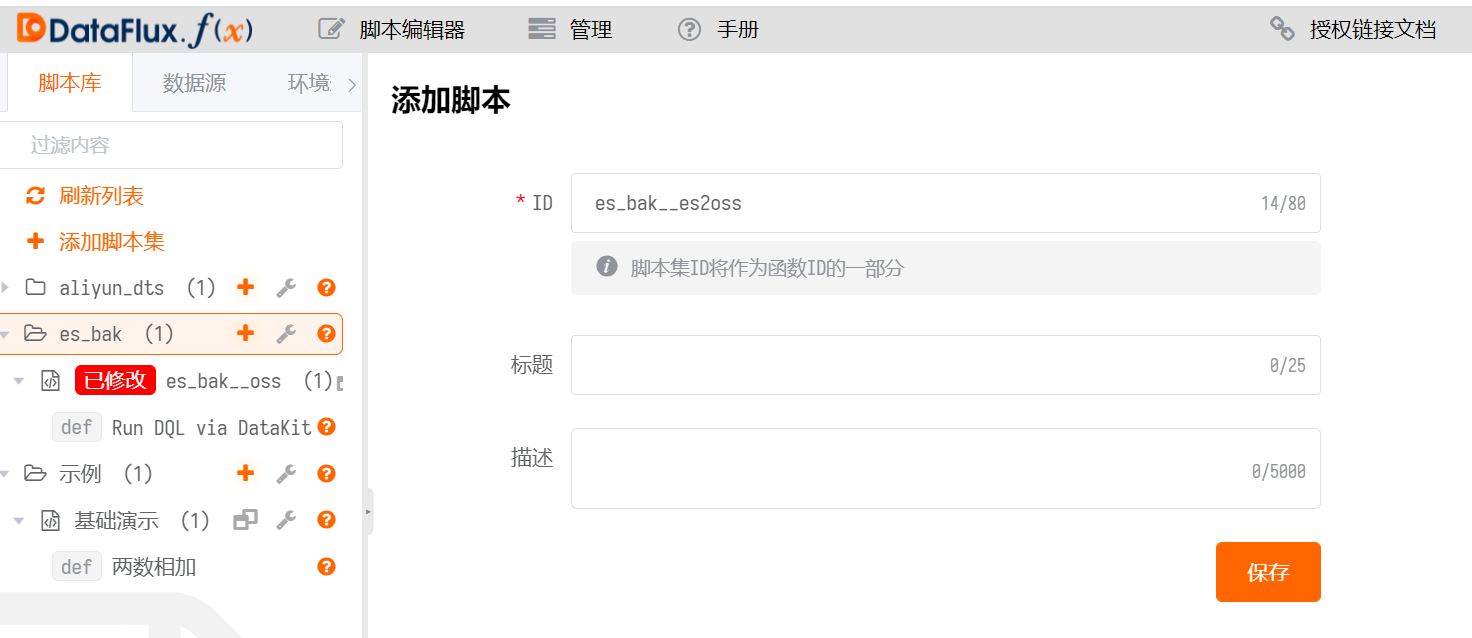
- Write the code. You need to fill in the AccessKey ID, AccessKey Secret, Bucket Name, and Filename.
Reference documents
import time
import json
import oss2

@DFF.API('Run DQL via DataKit')
def run_dql_via_datakit():
    datakit = DFF.SRC('datakit')
    # Use the time_range parameter to limit data to the last 10 minutes
    time_range = [
        int(time.time() - 600) * 1000,
        int(time.time()) * 1000,
    ]
    # DQL query statement
    status_code, result = datakit.query(dql='L::`apache`', time_range=time_range, raw=True)
    result = (json.dumps(result, indent=2))
    # Configure OSS information
    auth = oss2.Auth('AccessKey ID', 'AccessKey Secret')
    bucket = oss2.Bucket(auth, 'https://oss-cn-hangzhou.aliyuncs.com', 'Bucket Name')
    file = bucket.put_object('Filename.txt', result)
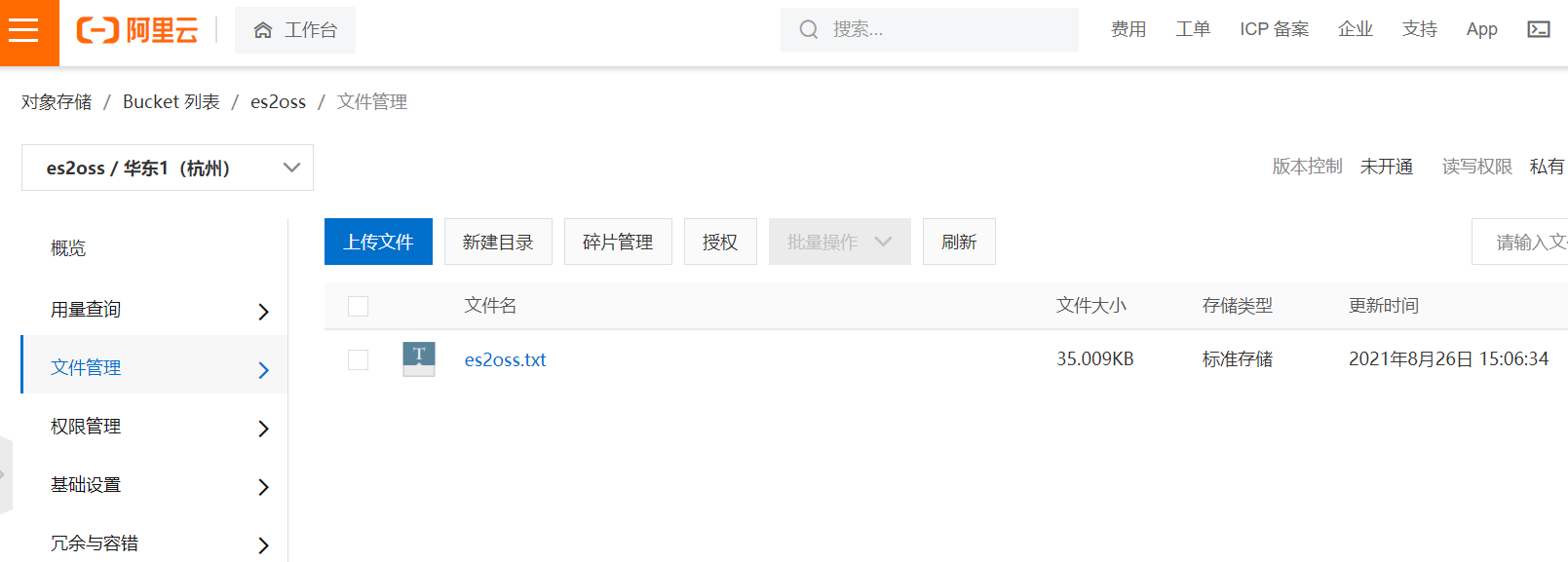
- Log in to the OSS console to view the file.