Getting Started
Prerequisites
- Guance deployment and activation are complete. If not, refer to Guance Deployment Steps
Basic Information and Compatibility
| Name | Description |
|---|---|
| Guance Backend Management Console | http://df-management.dataflux.cn |
| Guance Console | http://dataflux.dataflux.cn |
Create a User
Log in to the backend management console http://df-management.dataflux.cn using the admin account. The password is admin, and the account is the administrator account you configured.
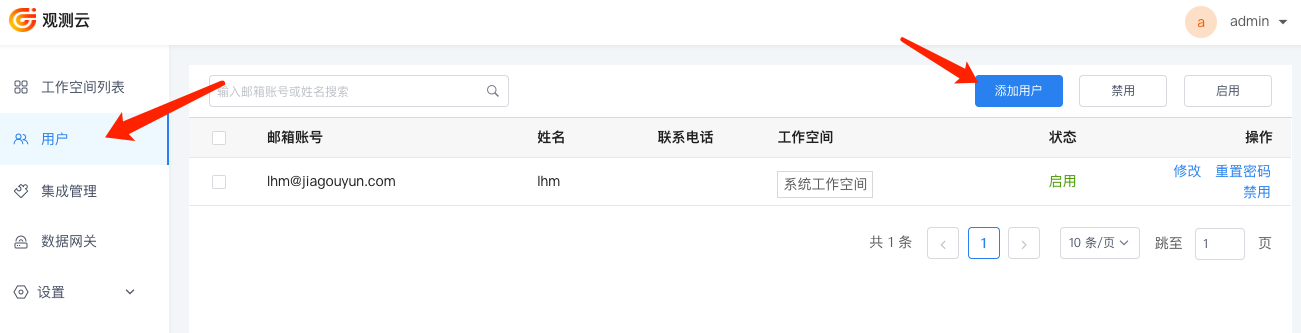
The Guance Deployment Plan does not provide user registration functionality. You need to log in to the Guance Management Backend, go to the Users menu, and click Add User to add a user.
Create a Workspace
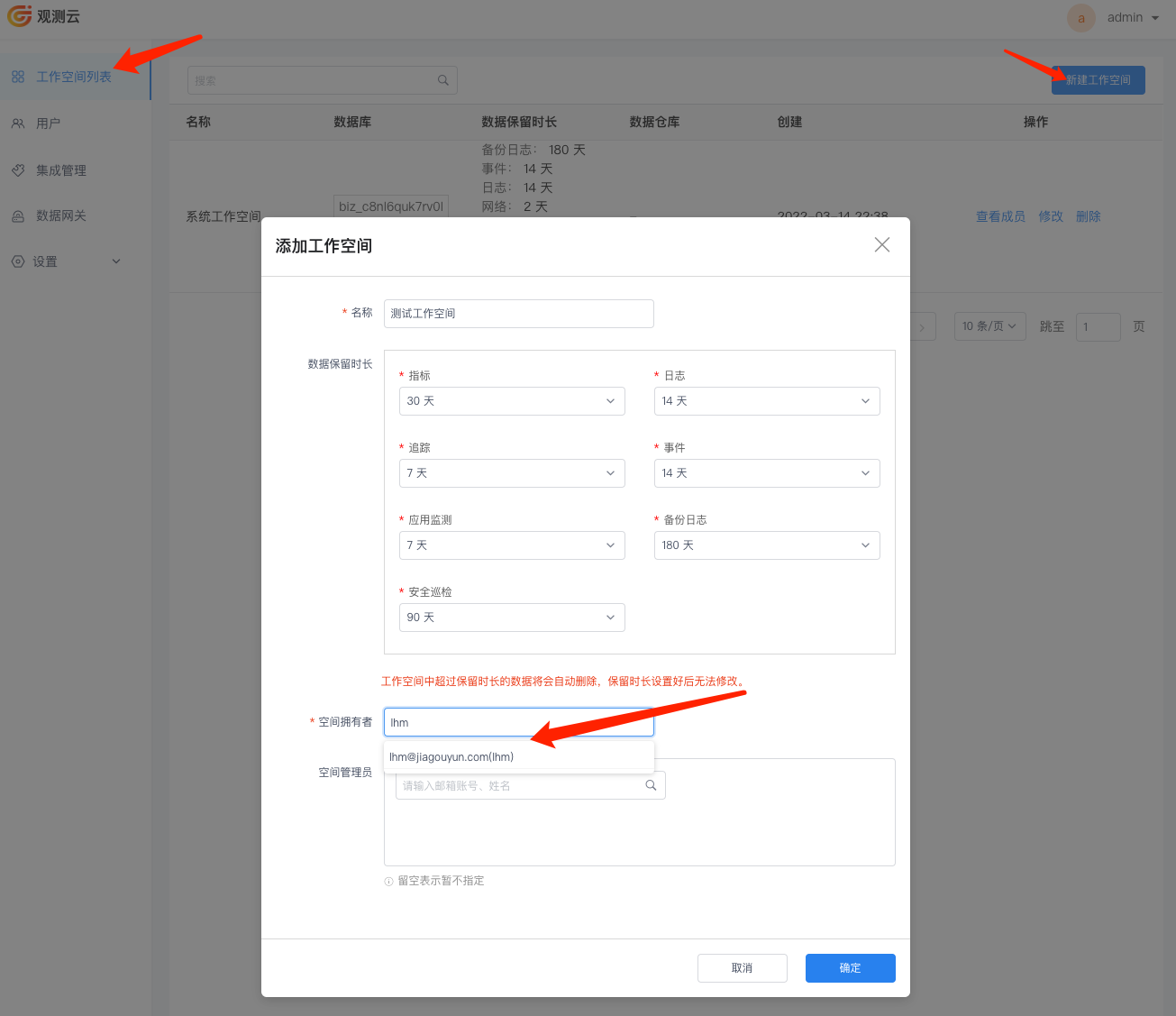
After adding users, go to the Workspace List menu in the Guance Management Backend, click Create Workspace, and create a workspace.
Note
Do not use the default "System Workspace" for daily observability!
Add Workspace Members
After creating the workspace, click View Members to go to the corresponding workspace members page, where you can view the basic information of all members in this workspace.
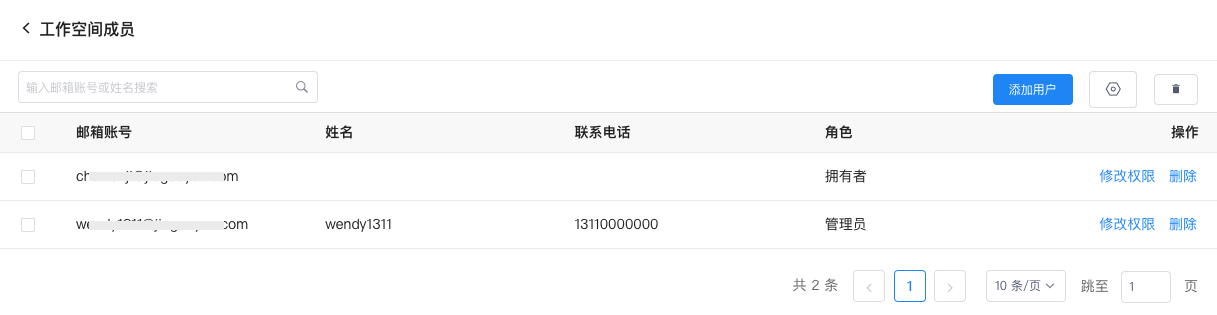
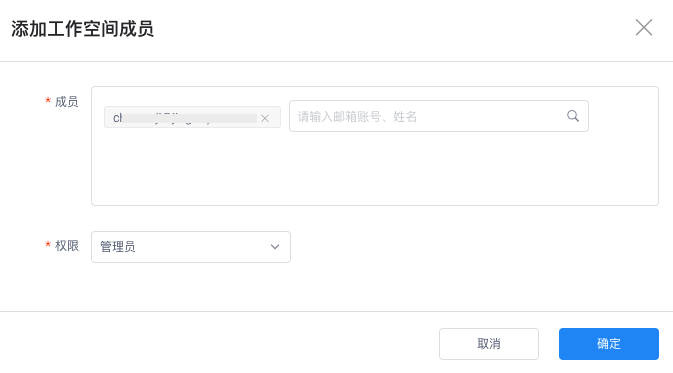
On the workspace members list, click Add User in the upper-right corner, select the newly added user, set the permissions, and then click OK to add a new user to this workspace.
Log in to Guance
Open the Guance access URL, and you can log in with the user created above to the corresponding workspace and start using all features of Guance. For detailed instructions on using features, refer to the Guance Help Manual.